
Maintenance
Preventive maintenance you can plan
Prevent failures before they happen. SafetyPro automates scheduled PM and alerts you in time.
Why switch to preventive maintenance?
Reactive maintenance is expensive: unplanned downtime, rush parts, overtime. Preventive scheduling cuts failure risk with planned interventions and makes costs more predictable.
In SafetyPro, PM tasks schedule by time (e.g. every 90 days) or usage (runtime, cycles). The system auto-generates work orders and reminds you before deadlines.
How do you measure compliance?
Dashboards show how many PM tasks finished on time and where schedules slip. Leadership can get monthly email reports in exportable format.
PM links to the asset registry: every intervention writes back into machine history. Request a demo or 14-day trial — reply within 1 business day.
Scheduling
PM tasks with time- or usage-based schedules.
Schedule by calendar or runtime — recurring tasks generate automatically, and the team gets push notifications.
5 PM tasks
Auto-generated work orders · push notifications to assignees
Automatic work order
Due PM becomes a work order without manual steps.
When a preventive task is due, the system creates a work order and assigns the owner.
Pump #A-102
⚡ **Asset status updated:** **Asset:** Pump #A-102 **Status:** Scheduled **Assignee:** Lilla Nagy
Compliance
Up-to-date status on mandatory inspections.
Leadership sees at a glance what is scheduled, what is slipping and what closed on time.
12
Open
47
Closed (week)
4.2 h
Avg. close time
Reminders
Push and email alerts before the deadline.
Technicians and shift leads hear about due work in time — before the deadline expires.
Morning round done — Hall 3 vents OK, photos uploaded.
Compressor swap complete, under trial run — faultless so far.
Two preventive work orders left for the afternoon: cooling plant and roof vents.
What the maintenance module can do
Time- and usage-based
Schedule by calendar or runtime/mileage.
Recurring tasks
Repeating maintenance with automatic generation.
Reminders
Push and email alerts for due work.
Compliance tracking
Up-to-date status on mandatory inspections.
Secure. Searchable. Smart.
Whether you manage 10 or 10,000 assets — SafetyPro keeps the full maintenance process in one place.
Safer than paper
Every round and work order is logged with a timestamp, owner and signature — ready for an audit on demand.
Company knowledge in one place
Full asset history and past work orders are searchable in seconds.
AI for the TL;DR
Shift summaries and reports keep you up to date without reading everything.
Related articles
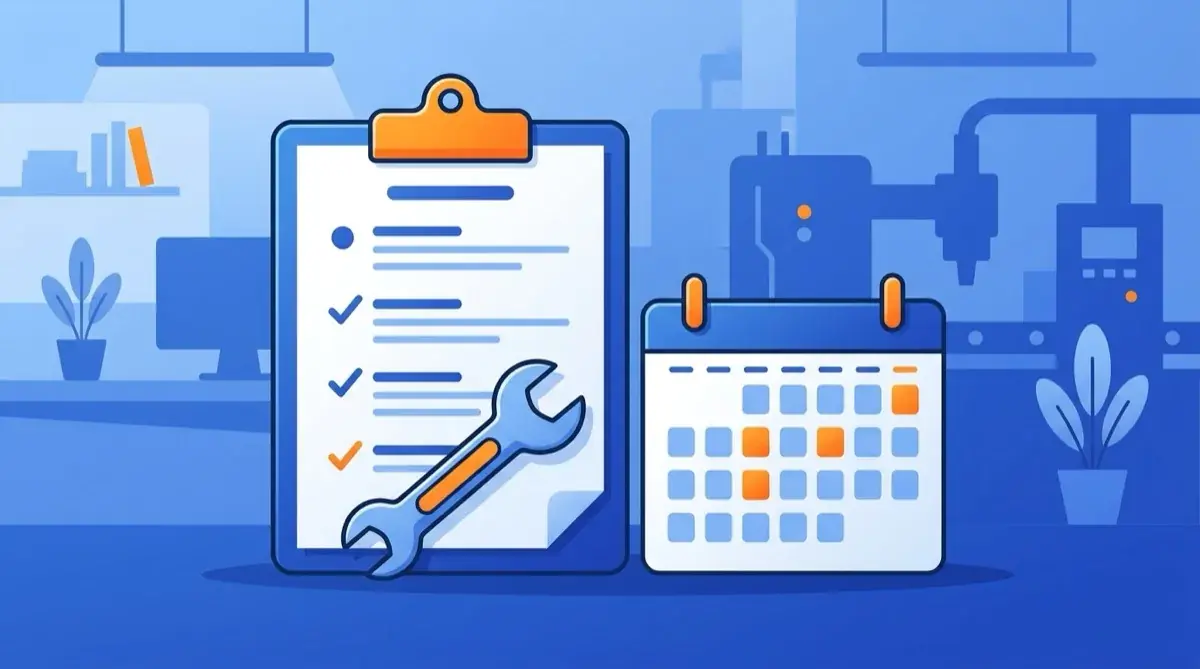
Preventív karbantartás ellenőrzőlista: mit ellenőrizz bevezetés előtt
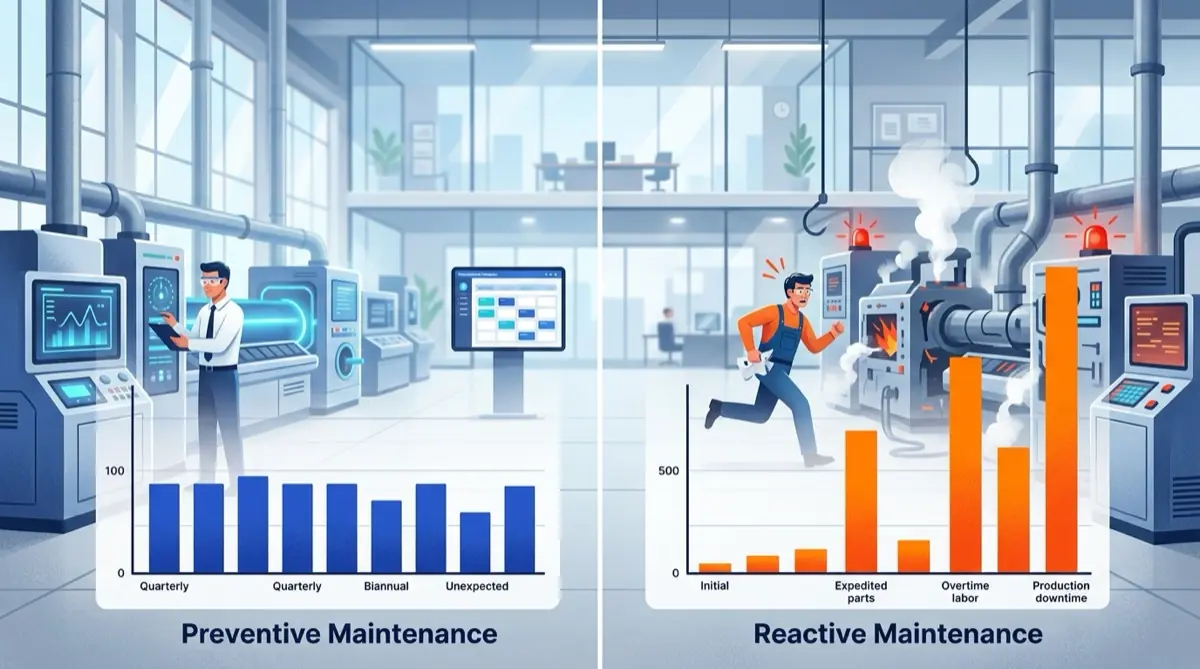
Megelőző vs. reaktív karbantartás: melyik mennyibe kerül

Prediktív karbantartás: beavatkozás a meghibásodás előtt
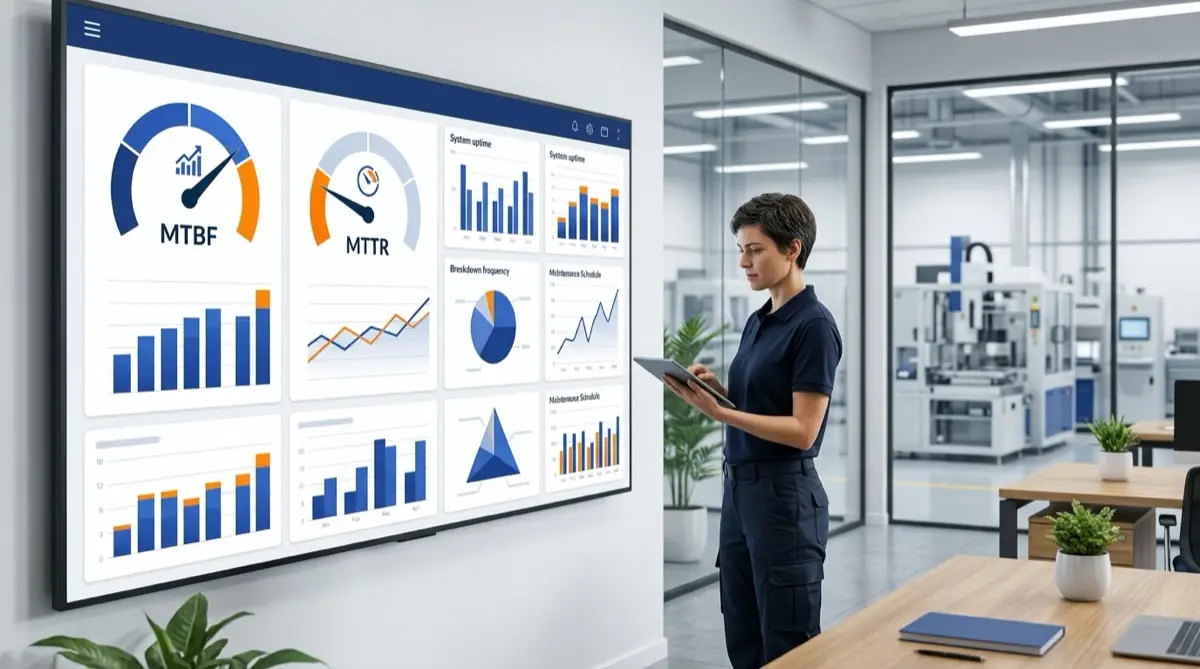
MTBF és MTTR: a két legfontosabb karbantartási mutató
Frequently asked questions
What is the difference between preventive and reactive maintenance?+
Reactive fixes after failure; preventive uses planned interventions to stop failures. That reduces unplanned downtime and repair cost.
Does it support time- or usage-based scheduling?+
Both. Schedule by calendar (e.g. quarterly) or runtime/mileage; recurring tasks generate automatically.
How does it ensure mandatory inspection compliance?+
Compliance tracking always shows current status for mandatory inspections, with push and email reminders before due dates.
Can existing PM schedules be migrated?+
Yes. Attach existing intervals to assets imported from Excel; the system schedules from there automatically.
Can technicians get mobile notifications?+
Push and email reminders cover due and overdue PM. Work orders open and close directly in the mobile app.
Let's discuss your
processes
A personalized demo of the maintenance module — or a 14-day trial with your team.
- Demo tailored to your process
- Schedule a free 14-day trial
- Excel import and QR/NFC setup
- Reply within 1 business day