Maintenance, work orders, inspections
Maintenance and work orders in one log
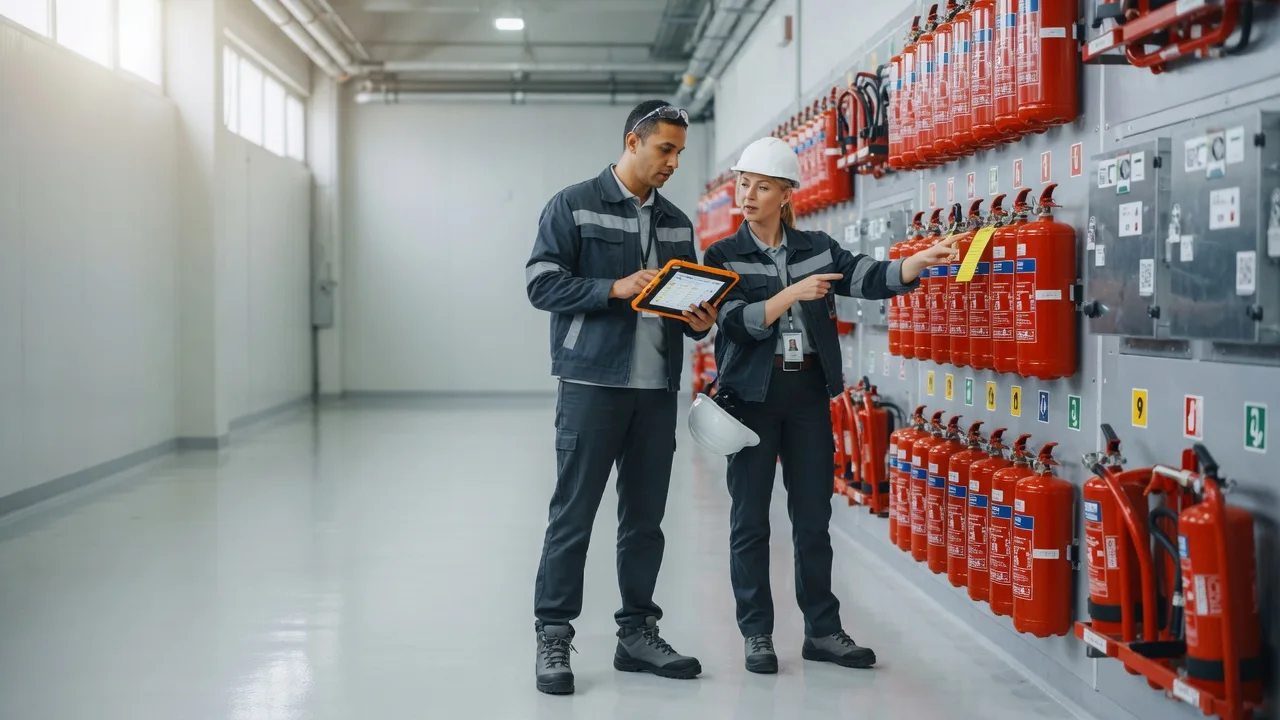
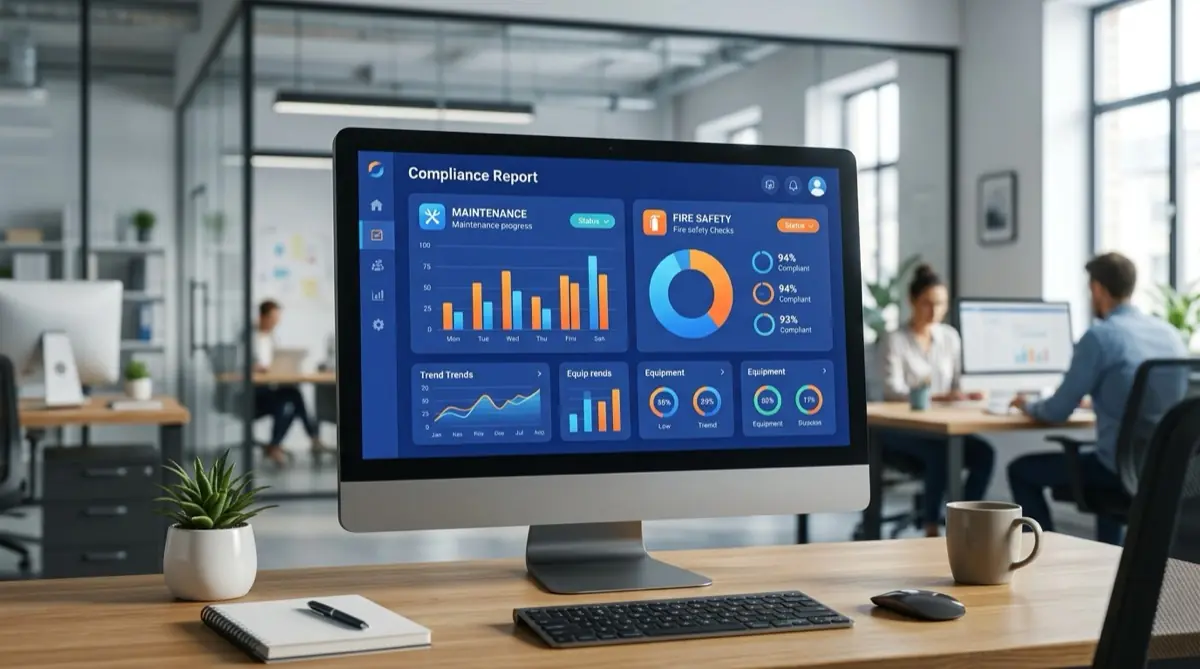
Inspections, due dates, photo and signature on site. For audits or clients, the proof is ready in seconds — no hunting in Excel.
Maintenance
12 due this week
Integrates with
- SAP
- Dynamics 365 Business Central
- Odoo
- Microsoft 365
- Excel
- Power BI
- Teams
Open REST API and webhooks — we connect it to your existing systems during onboarding.
- Your data is stored in the EU, in line with GDPR
- Usable in 10 languages
SafetyPro
Service and construction in one app
Maintenance software for the client and the service side: work orders, fault tickets, work permits. Technicians close the job on their phone, on site too.
Four products
What does SafetyPro solve?
Four modules in one account, each built for daily work. Pick the one you’d use.
1 · Digital Log
Recurring service — a log that exists on site too
Maintenance
12 due this week
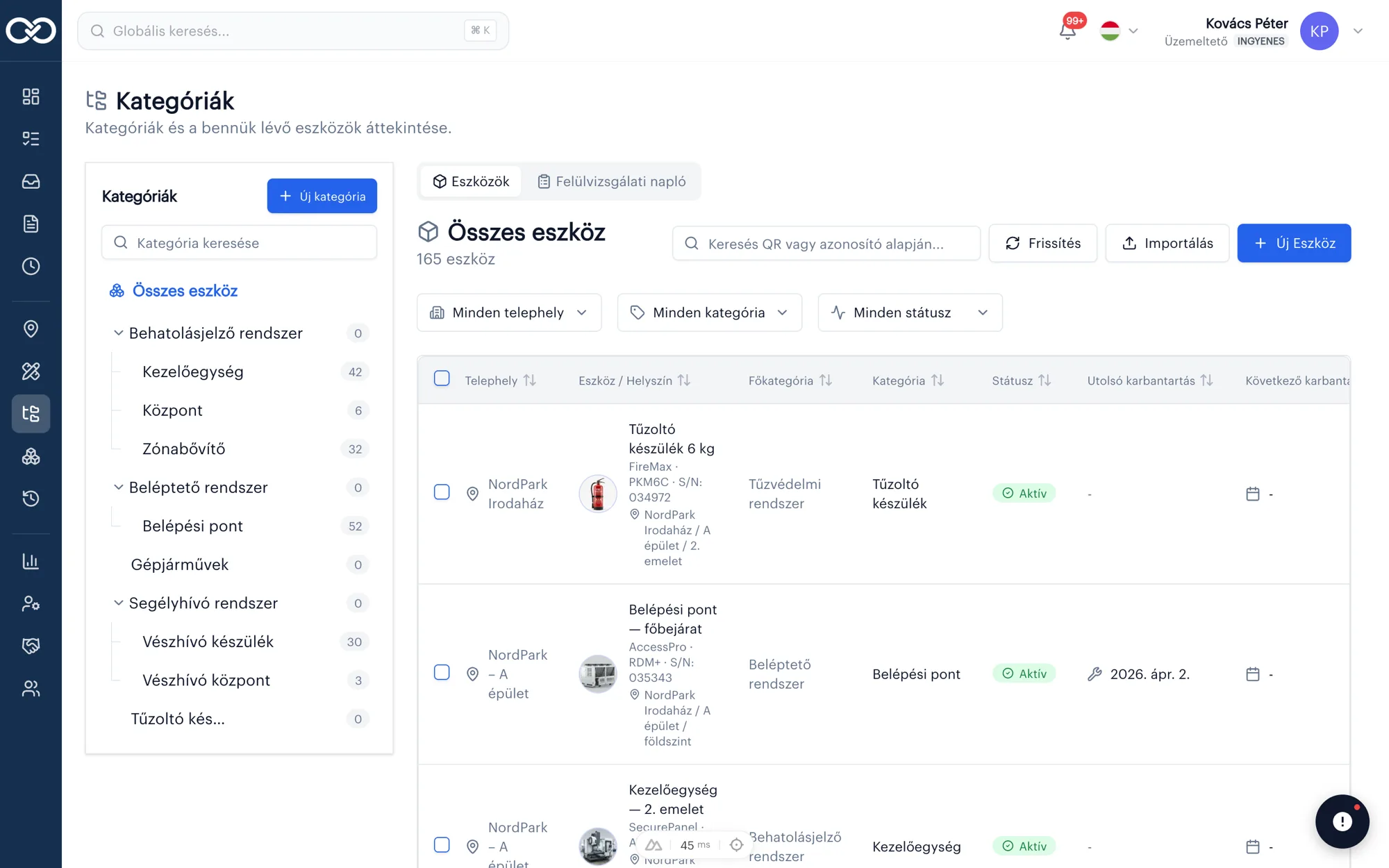
Assets · categories · due dates
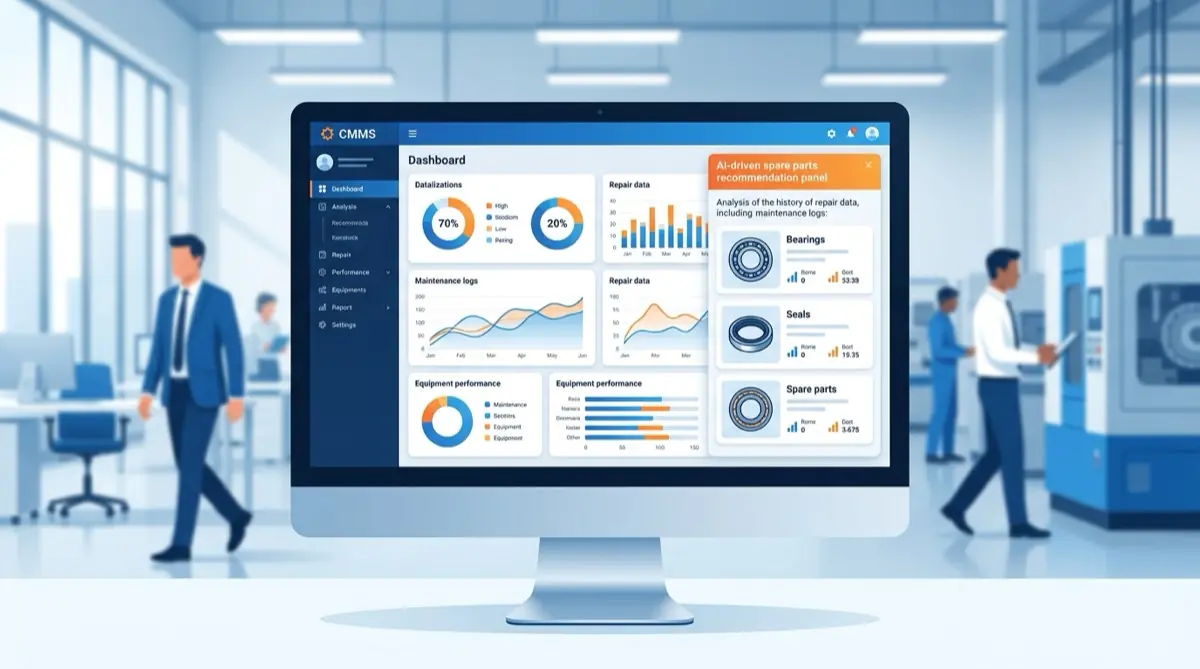
When work repeats (inspections, maintenance, contract rounds), Digital Log keeps order: what to do, when, who did it, and where the proof is. Not Excel, not folders.
Digital Log in detailAsset list + QR
Every asset and site in one list, and on site you can also open it with a QR code.
Due-date alerts
The system flags what is due — no hunting in calendars.
Mobile work orders
Photo and signature on the phone, offline too.
Audit-ready log
For the client or auditor the log is ready — no folder panic.
2 · Construction
The site: plan, task and defect in one place
Site · NordPark Irodaház
3 open on planPin · photo · status
Plan · pin · punch list
When the construction crew is on site and the “latest PDF” lives in email, Construction is the fix. Open items sit on the drawing — office sees the same as the construction crew.
Construction in detailPlan on tablet
PDF plan on site — everyone gets the latest version.
Pins on drawing
Tasks and defects pinned to the exact spot, with photos.
Works offline
Weak signal is fine; sync when the network returns.
Punch list
One source — not WhatsApp screenshots.
3 · Ticketing
Don't lose the client email in the inbox
AI suggestion
Urgent
→ Work order
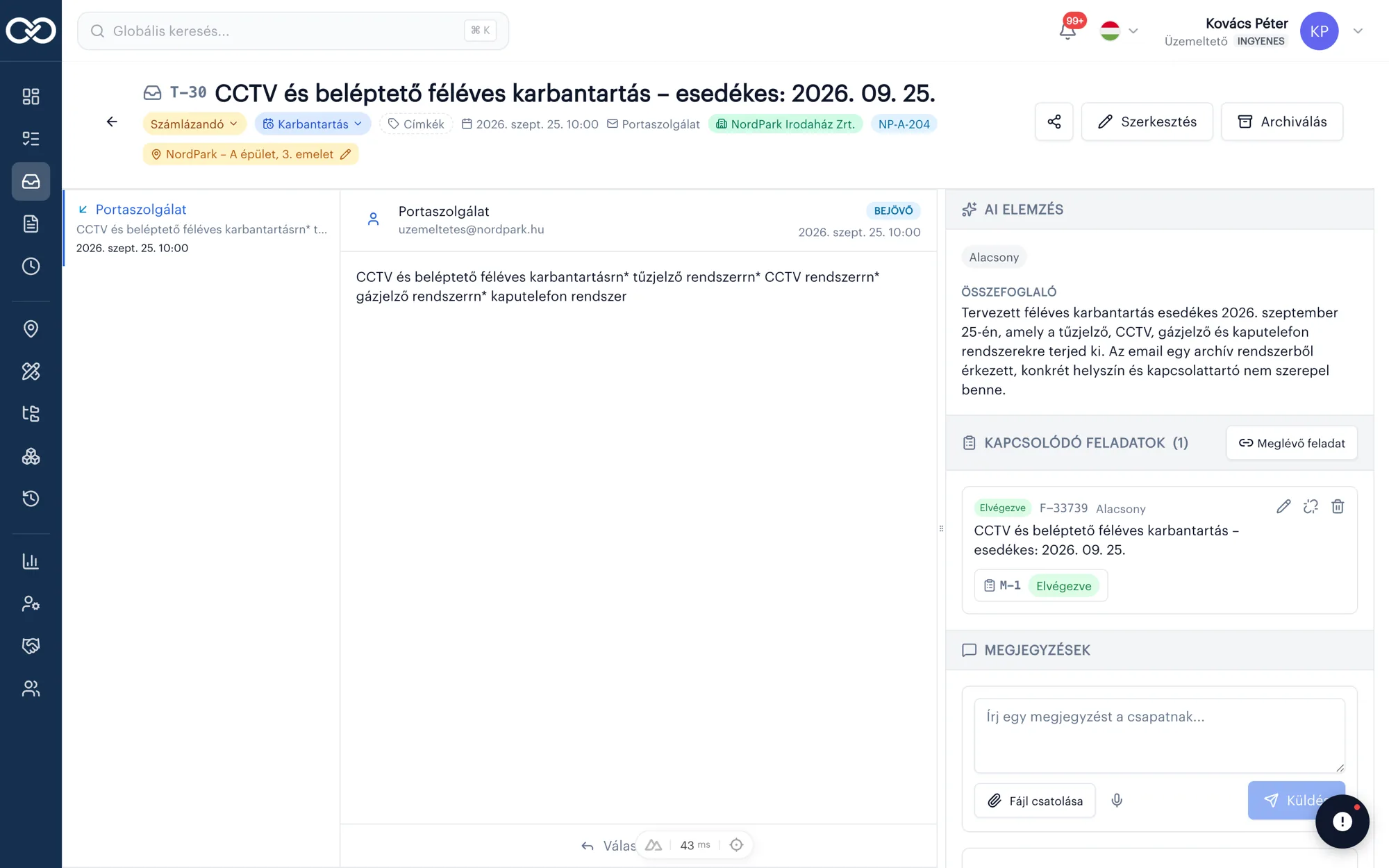
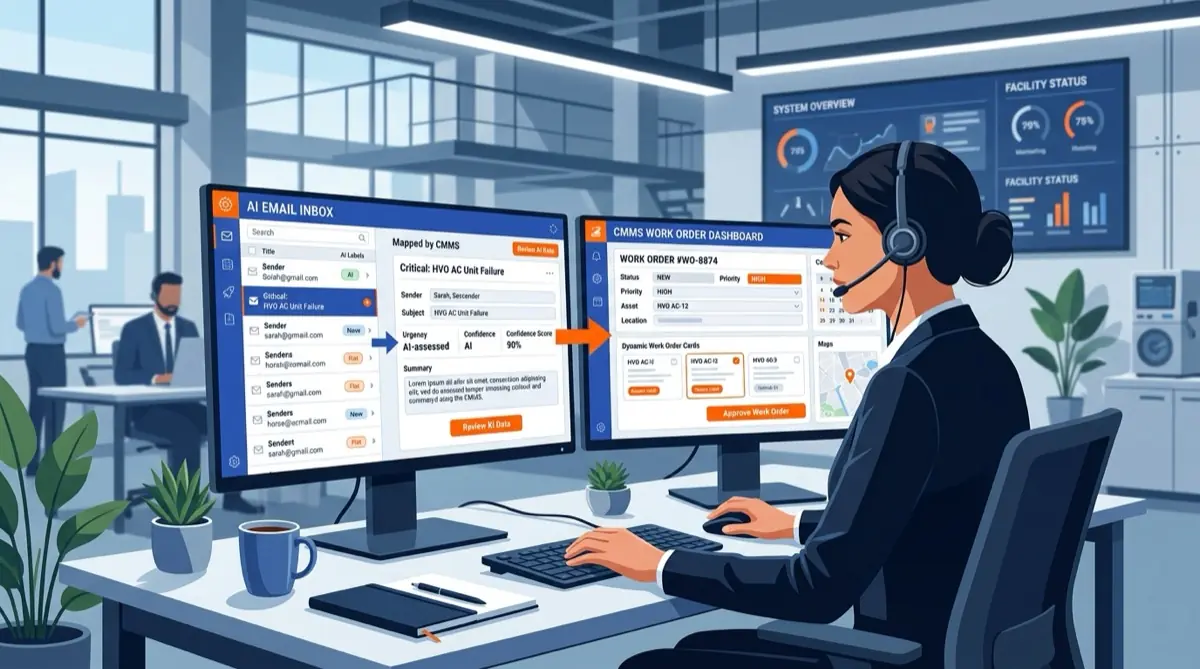
Email → ticket → AI → task
When faults arrive by email and the dispatcher tracks them in Excel/Outlook: Ticketing carries the chain from inbox to work order. Not a toy helpdesk — a service flow.
Ticketing in detailEmail → ticket
Inbound fault becomes a structured ticket — not lost in a folder.
AI suggestions
Site and priority suggested — you confirm.
Task + work order
One click: assign, then work order.
Through billing
See what is billable — from report to close-out.
4 · OHS
Digital work permits — not paper in a pocket
Site · NordPark Irodaház
✓ Ready for auditPermit · approval · close-out
When hazardous work needs a permit (hot work under a fire permit, work at height, work in confined spaces), OHS tracks from request to close-out. Audits stop hunting for folders.
OHS in detailTemplates
Typical hazardous work — consistent, fast fill-in.
Approval chain
Who requested, who approved, when — fully traceable.
On-site close-out
Photo and signature on site to close the permit.
Searchable log
Every permit is searchable and exportable.
One platform
Not four separate tools — one account
After install comes service. A fault report becomes a work order. Hazardous work needs a permit. In SafetyPro that is not four logins.
Start on site
Construction: the project and plan live where the crew works.
Handover → service
Same account: Digital Log runs the recurring inspections.
Fault reports
Ticketing: client email becomes a task and work order.
Safe work
OHS: if a permit is required, it is there too — audit-ready.
Why it works in the field
Not a desk toy — real site work
Most software is built for the office. SafetyPro goes where the work happens: weak signal, phone, signature, photo.
Request a demoQR on site
Scan the asset — history opens immediately.
Offline mobile
No signal? Still log. Sync later.
Photo + signature
Proof tied to the job, not lost in the gallery.
One account
Log, site, ticket, permit — not four separate tools.
Multi-site
Same templates, different places — clear overview.
Local language
UI, demo, support — not English-only menus.
International compliance
Pick the country, the system adapts to it
One platform, many national safety regimes. Set per site which country’s law applies, and SafetyPro works with the matching templates, deadlines and records.
Book a demoLegal basis
1993. évi XCIII. törvény (Mvt.)
Mandatory core document
Kockázatértékelés
What the system handles
Risk assessment
Country-specific template with review deadlines.
Training records
Training log, signature, refresher cycle.
Periodic inspections
Schedules and reports for machines and equipment.
Accident register
Reporting deadlines and investigation records.
Occupational health
Fitness-for-work exams and expiry tracking.
Need another country? We add the legal profile — you don’t rewrite your processes.
SafetyPro AI
Faster maintenance with the AI assistant
The assistant answers from your SafetyPro data — query, summarize and help open work orders. It does not decide for you; it speeds you up.
The chat preview below is an illustration — we show the real product in the demo.
SafetyPro AI
Example: "Extinguisher #A-12 was last inspected on 2026-03-15; next due 2026-09-15."
Enterprise ready
Secure, scalable, built for real operations
- Fast rollout in a few days
- Expert support
- Integrate with existing systems
GDPR-ready
Privacy built in
Cloud or on-premise
Flexible deployment
12 languages
For international sites
Updates
What's new at SafetyPro?



Let's discuss your
processes
Request a tailored demo or schedule a free trial — sales replies within 1 business day.
- Demo tailored to your process
- Schedule a free 14-day trial
- Excel import and QR/NFC setup
Frequently asked questions
What is SafetyPro, simply?+
Software for site and service work. Four products in one account: Digital Log for recurring maintenance, Construction for plans and site tasks, Ticketing for inbound email faults, OHS for work permits. Web, iOS and Android.
How do I know which product I need?+
Repeating inspections / work orders / log → Digital Log. Site plans, pins and punch lists are chaos → Construction. Client email gets lost, nobody knows who goes out → Ticketing. Paper work permits, nothing for audit → OHS. Often you need more than one — one account, not four sign-ups.
What is Digital Log?+
The recurring service product: assets, sites, due dates, work orders, photo and signature, auditable history. If the question is “when was it last done and by whom?”, this is the product. The market also calls this CMMS — for us it is Digital Log.
What is the Construction module?+
Field-first product for the site: latest PDF plan, task pinned on the drawing, photo punch list, offline too. If the question is “is level 3 done?” or “where is the latest plan?”, this is the product — not Excel and WhatsApp.
What is Ticketing — is it a helpdesk?+
Not an IT helpdesk. Ticketing is for service/FM dispatchers: client email becomes a ticket, AI suggests site and priority (you confirm), then task and work order — toward billing. Chain: email → ticket → task → work order.
What is OHS?+
Digital work permits: template, approval chain, on-site close-out, searchable history. Hot work under a fire permit, work at height, work in confined spaces and custom types. Not a full CMMS — the permit for hazardous work.
Can I combine products?+
Yes. One SafetyPro account can hold Construction (install), Digital Log (recurring service), Ticketing (fault reports) and OHS (permits). Typical path: start on site → after handover the log stays → faults arrive by email → permits when needed, same place.
Does it replace Excel and WhatsApp?+
For coordination and documentation, yes: status, owner, photo, signature, due dates in one place. You do not rebuild the story from chat screenshots and spreadsheets. It does not ban private messages — it keeps work out of them.
Is this only fire-safety software?+
No. Fire safety / compliance is a strong entry vertical, but SafetyPro is broader: service, install, facility, multi-site operations. Fire log capabilities sit under Digital Log — they are not the whole brand.
Does it work on phone and offline?+
Yes. iOS and Android apps; sites often have weak signal. You can log work offline; it syncs when the connection returns. QR/NFC opens the asset on site.
Do I need to be an IT person?+
No. The demo walks through your process — not a feature dump. Rollout is usually days: base data (e.g. Excel import), templates, the team uses the phone. You do not need to run your own server for a standard cloud start.
How long does implementation take?+
Typically a few days, not a quarter. Timeline depends on the product and data volume (sites, assets, mailboxes). Goal: the construction crew / dispatcher sees value on their real work quickly.
Is there a free trial?+
Yes — we schedule a 14-day trial after the demo, on your process, not only demo data. After you contact us we reply within 1 business day.
How much does it cost?+
The price depends on how many sites you run, how many people use it and which modules you choose — so every company gets an individual quote. The pricing page shows what each module and plan (Basic, Pro, Enterprise) includes. You get your price within 1 business day of the 20-minute demo.
Is a long-term contract required?+
Pricing is typically monthly subscription; plans scale. Exact terms are in the individual quote / agreement — request a quote via the contact form.
We run multiple sites and companies. Does it work?+
Yes. Multi-site, permissions, shared templates and per-site overview are built in. Ticketing links tickets to site / client; Digital Log scopes assets by site.
Where is data stored? Is support available in Hungarian?+
Cloud service with a GDPR-oriented approach; on-premise can be discussed for enterprise. UI, demo and support are available in Hungarian — not English-only menus and overseas tickets only.
How should I start: demo or trial?+
Both work. A 20–30 minute demo maps your situation (Excel, email, site, paper) to the right product. Then a 14-day trial with your team. Write on /kapcsolat — we reply within 1 business day.