

Assets
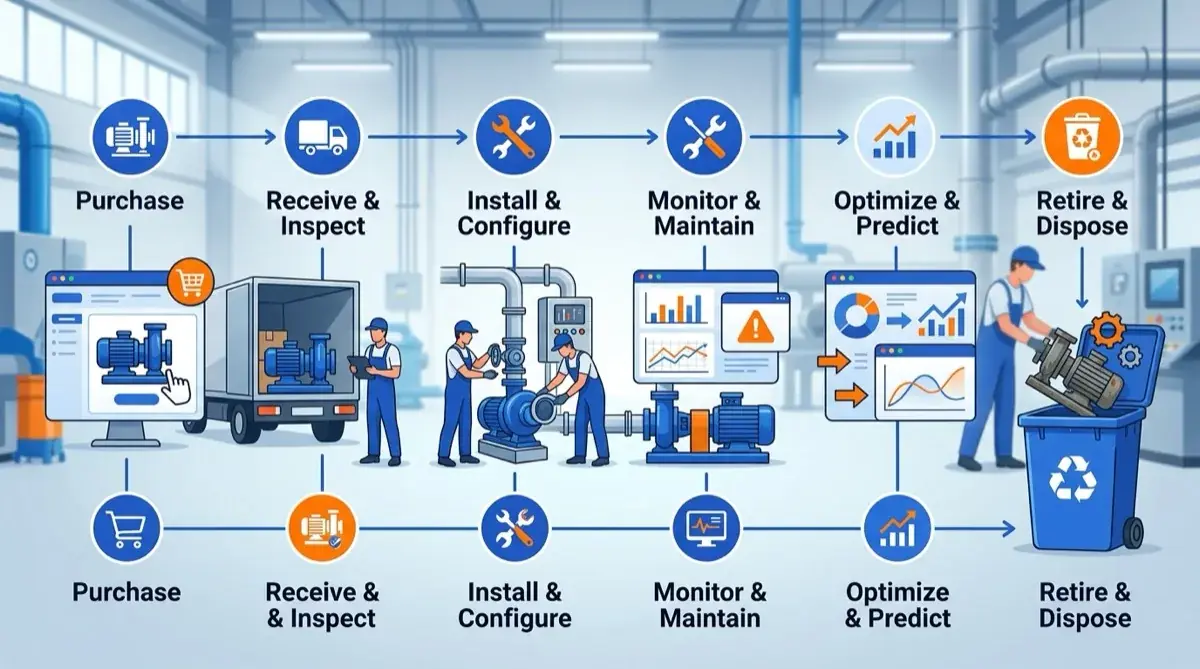
Asset management across the full lifecycle
Maintenance
12 due this week
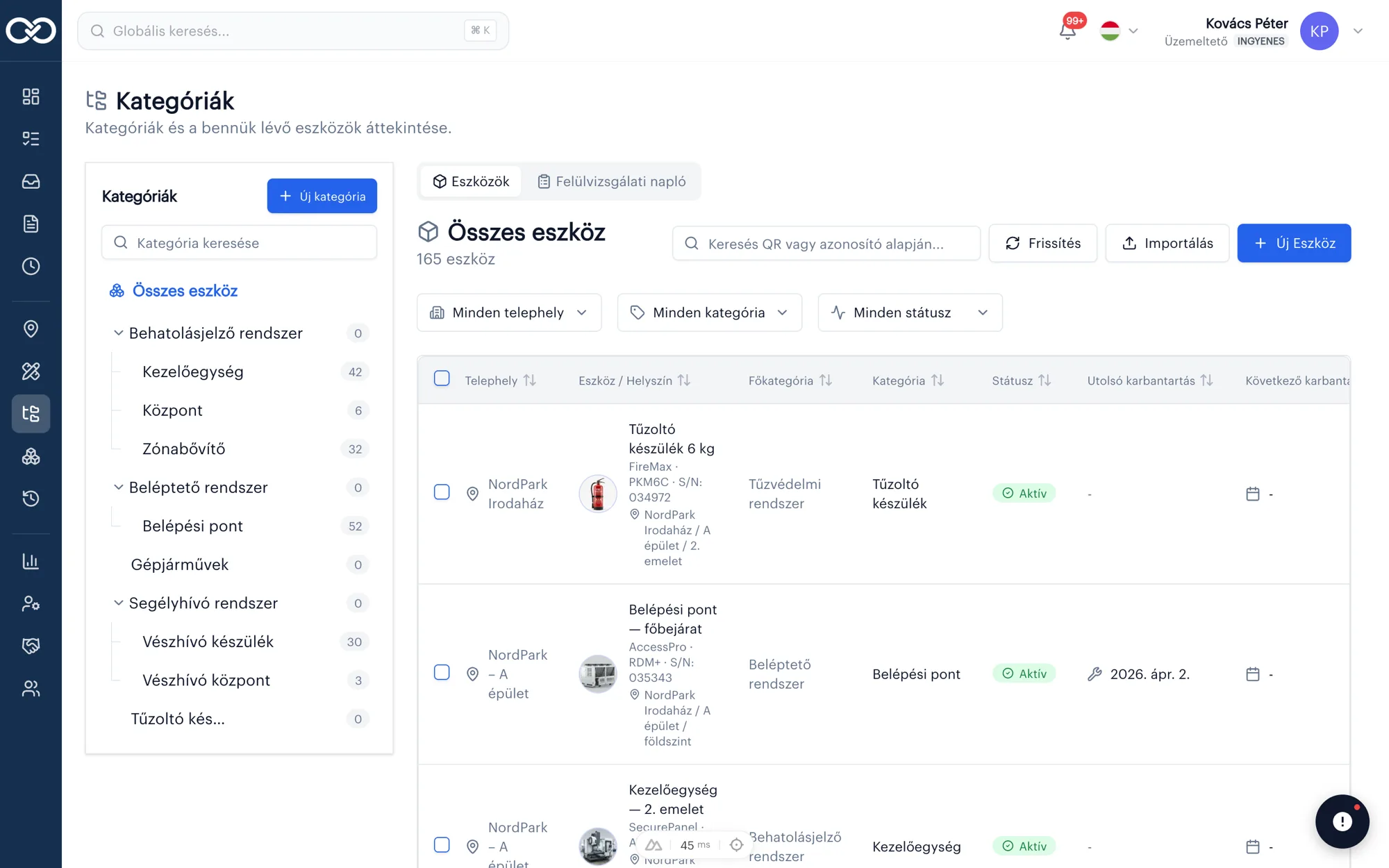
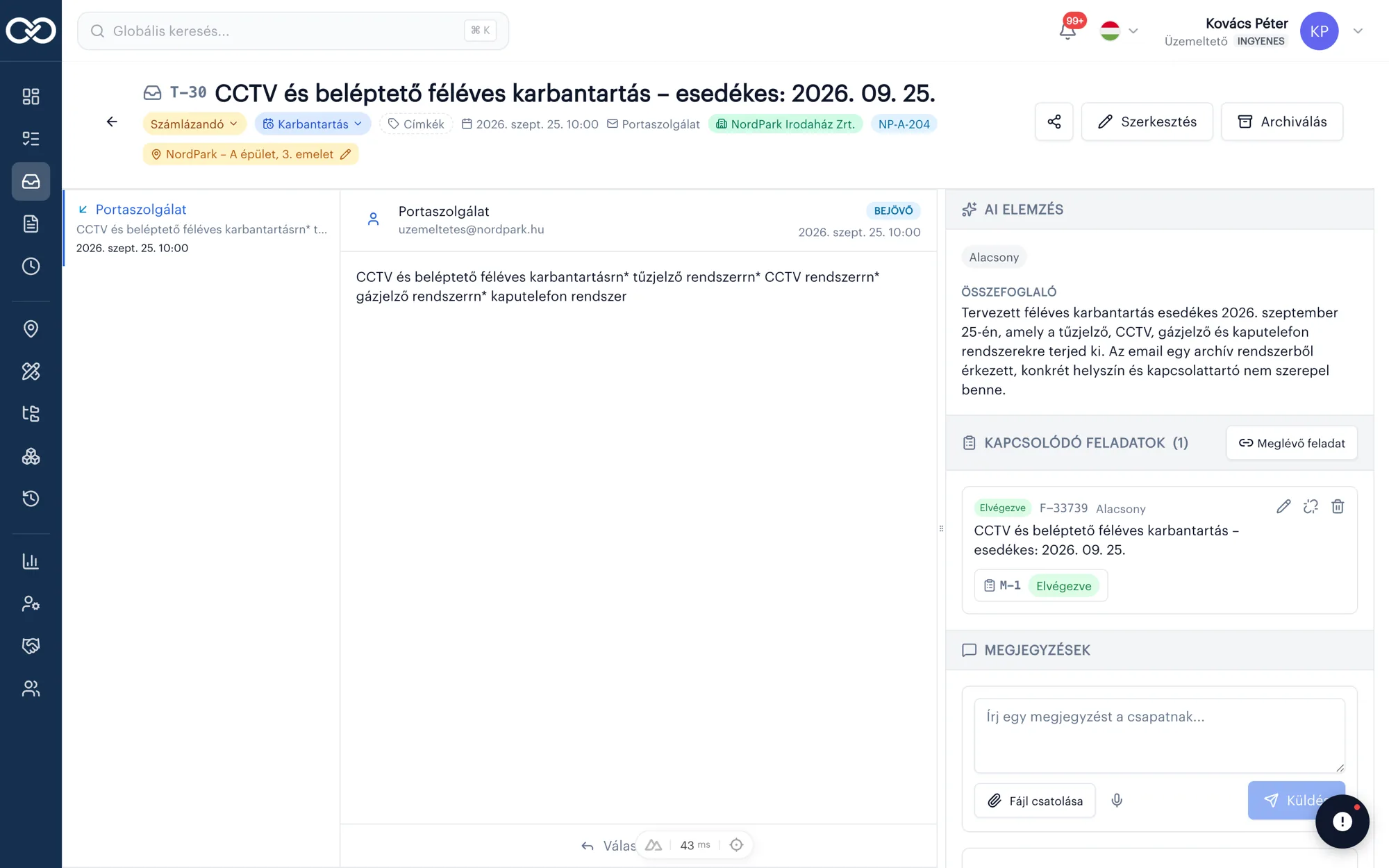
Scan a QR or NFC tag and instantly see asset history, documents and due tasks. Every asset in one clear registry.
Assets
Scan a QR or NFC tag and instantly see asset history, documents and due tasks. Every asset in one clear registry.
Why asset-level tracking matters
If you do not know when a machine was last inspected, you fall into reactive firefighting instead of preventive maintenance. The asset module assigns each item a unique QR or NFC tag and keeps history, documents and due work in one place.
Technicians scan on site and in seconds see prior work orders, certificates and the next scheduled task — without paper folders or phone calls.
How do you onboard the asset fleet?
Import existing Excel lists, then map IDs to QR/NFC tags. On larger sites, expert onboarding includes a labeling plan and on-site training.
Attach photos, reports and warranty docs to assets; push and email reminders fire before inspections expire. Request a demo or 14-day trial — reply within 1 business day.
QR / NFC
Scan a tag and instantly see asset history.
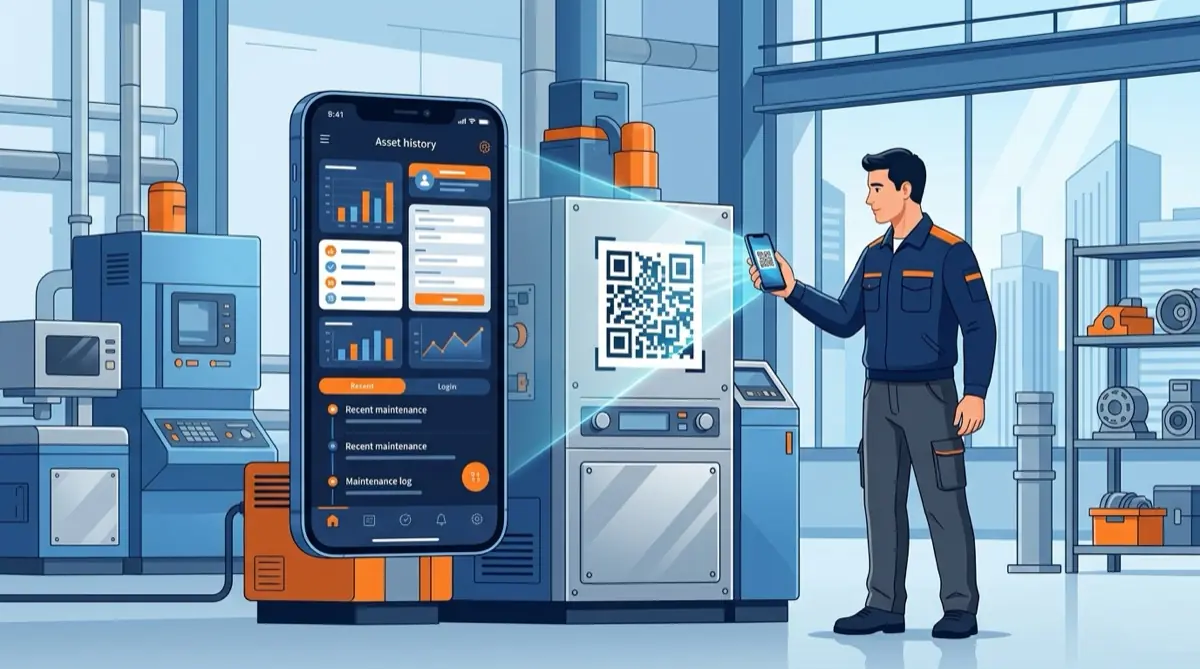
On site, scan the QR or NFC tag with your phone: life history, documents and due tasks appear.
Click the QR to simulate a scan
Waiting for scan…
Life history
Every inspection and repair on one timeline.
Prior work orders, replacements and inspections are searchable per asset — no folder hunting at audit time.
Pump #A-102
⚡ **Asset status updated:** **Asset:** Pump #A-102 **Status:** Scheduled **Assignee:** Lilla Nagy
Document library
Certificates and protocols with the asset.
Inspection protocols and certificates attach directly to the asset — always available on site and at audit.
Task
Cooling plant filter change
Reminders
Automatic warning on expiring tasks.
Push and email fire when a mandatory inspection or PM task approaches — no deadline is missed.
Morning round done — Hall 3 vents OK, photos uploaded.
Compressor swap complete, under trial run — faultless so far.
Two preventive work orders left for the afternoon: cooling plant and roof vents.
What the assets module can do
QR / NFC identification
Instant asset ID on site from mobile.
Life history
Every inspection, repair and replacement on one timeline.
Document library
Protocols and certificates linked to the asset.
Automatic notifications
Reminders for due tasks and deadlines.
Secure. Searchable. Smart.
Safer than paper
Every round and work order is logged with a timestamp, owner and signature — ready for an audit on demand.
Company knowledge in one place
Full asset history and past work orders are searchable in seconds.
AI for the TL;DR
Shift summaries and reports keep you up to date without reading everything.
Asset management across the full lifecycle
Scan a QR or NFC tag and instantly see asset history, documents and due tasks. Every asset in one clear registry.
- QR / NFC identification
- Life history
- Document library
Related articles

Frequently asked questions
How does the system identify assets?+
Each asset gets a unique QR or NFC label. Scan with a phone on site and the full life history, documents and due tasks appear immediately.
Can documents and certificates be stored with the asset?+
Yes. Protocols, certificates and inspection records attach directly to the asset so they are always available with it.
Do I get alerts for expiring inspections?+
Automatically. Push and email reminders cover due work and upcoming deadlines so mandatory inspections are not missed.
Is special hardware required for QR/NFC tags?+
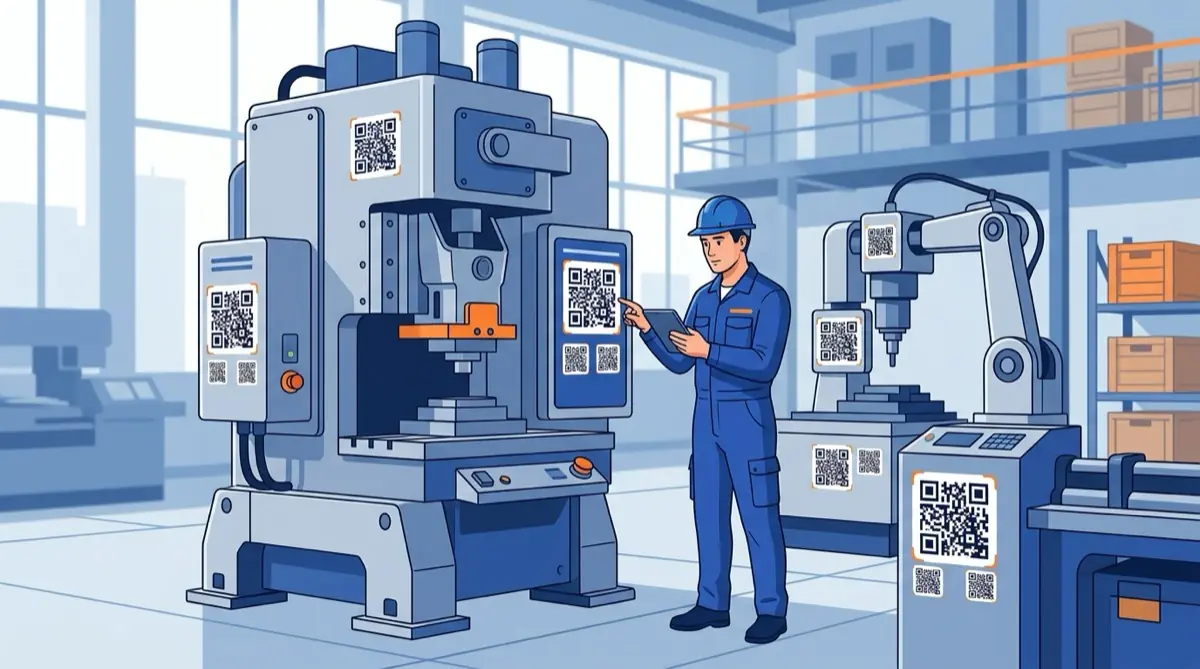
Tags can be standard QR printouts or NFC stickers. A smartphone is enough to scan — no dedicated scanner required.
How many assets can one system handle?+
SafetyPro scales from about 50 assets to tens of thousands. Site-level breakdown and permissions keep large fleets clear.