
Compliance
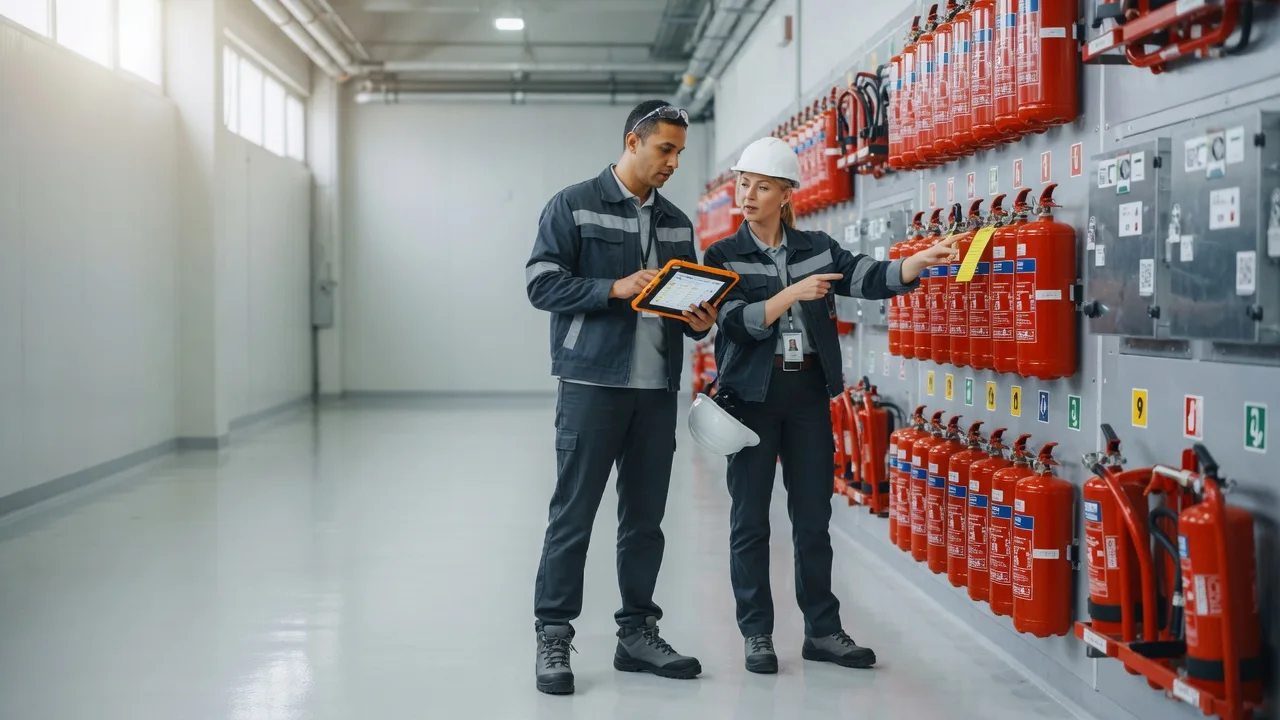
Digital fire safety log and walkthroughs
Maintenance
12 due this week
Automate fire safety walkthroughs and audits. Templates, photo documentation and instant compliance reports — without paper.
Compliance
Automate fire safety walkthroughs and audits. Templates, photo documentation and instant compliance reports — without paper.
What do fire safety inspections require?
Fire safety officers must prove mandatory walkthroughs, inspections and fixes are documented. Paper logs are hard to search and often lack photos or timestamps.
SafetyPro’s digital fire module offers template checklists: every point can include photos and notes, and after close-out the compliance report is one click away.
How does it help day to day?
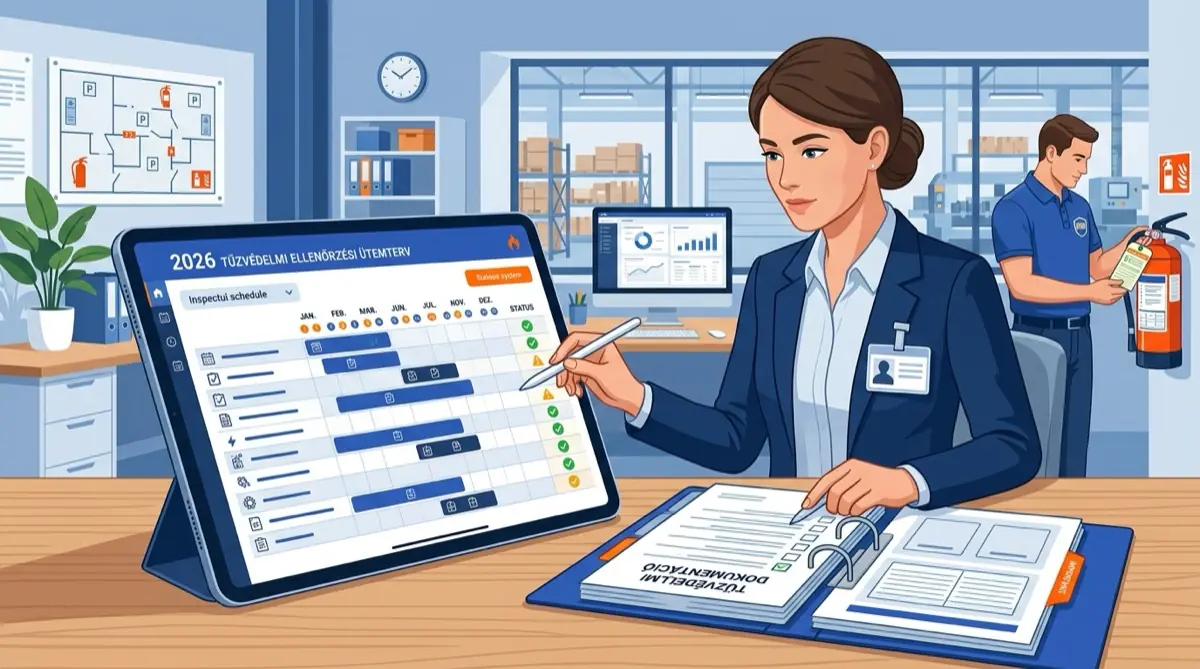
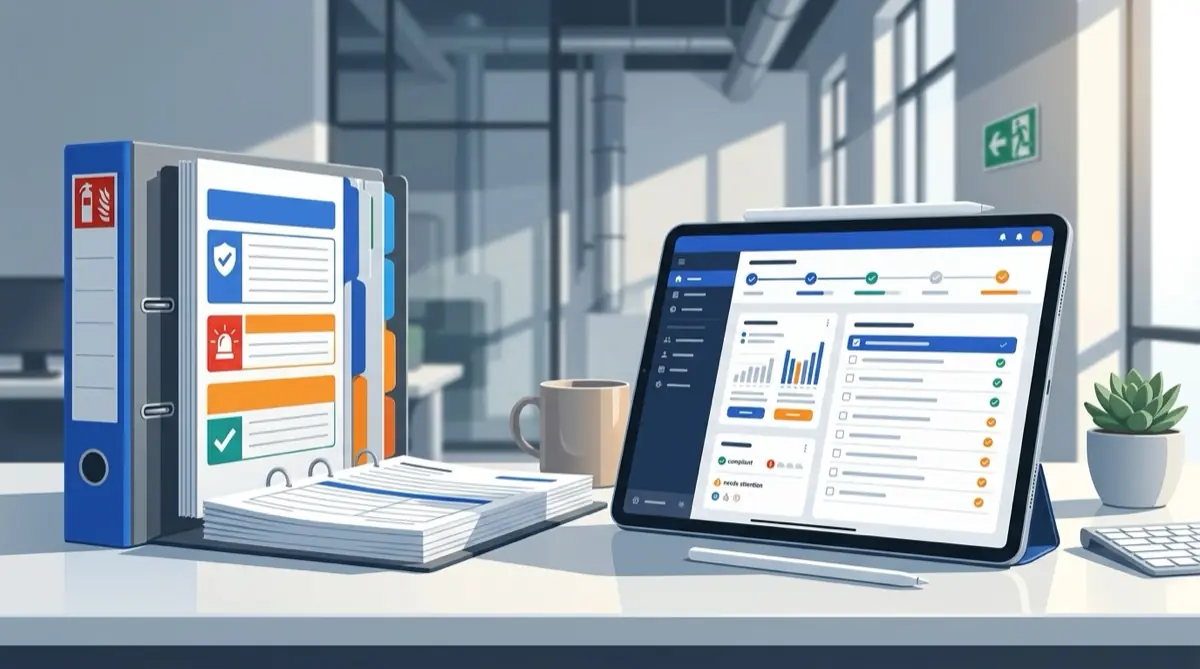
Field teams complete checklists on mobile; managers see status and open items immediately. History is searchable for years for authority or internal audits.
The fire log lives in the same system as maintenance work orders and asset registry — no parallel Excel files or paper folders. Request a demo or 14-day trial — reply within 1 business day.
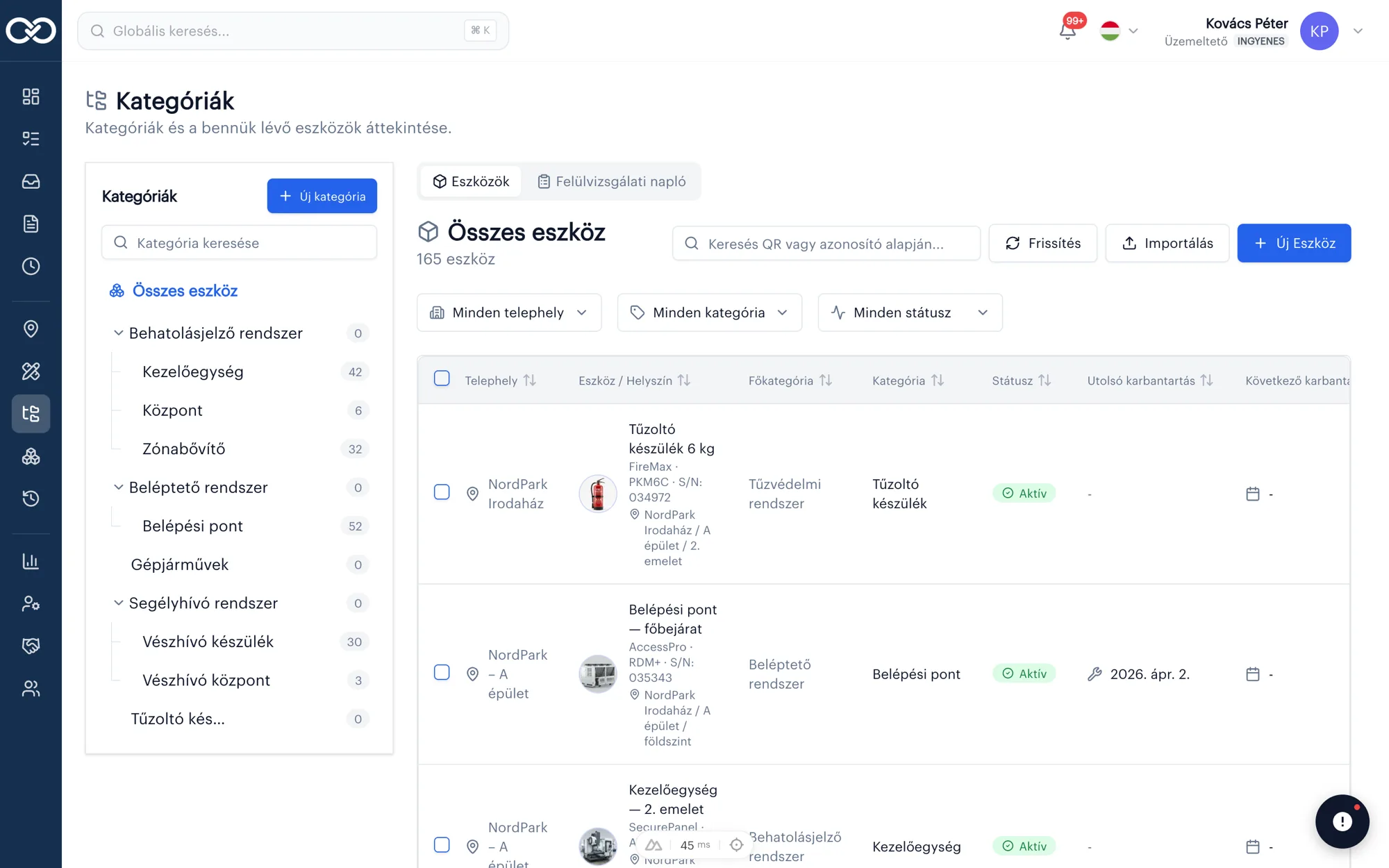
Checklist
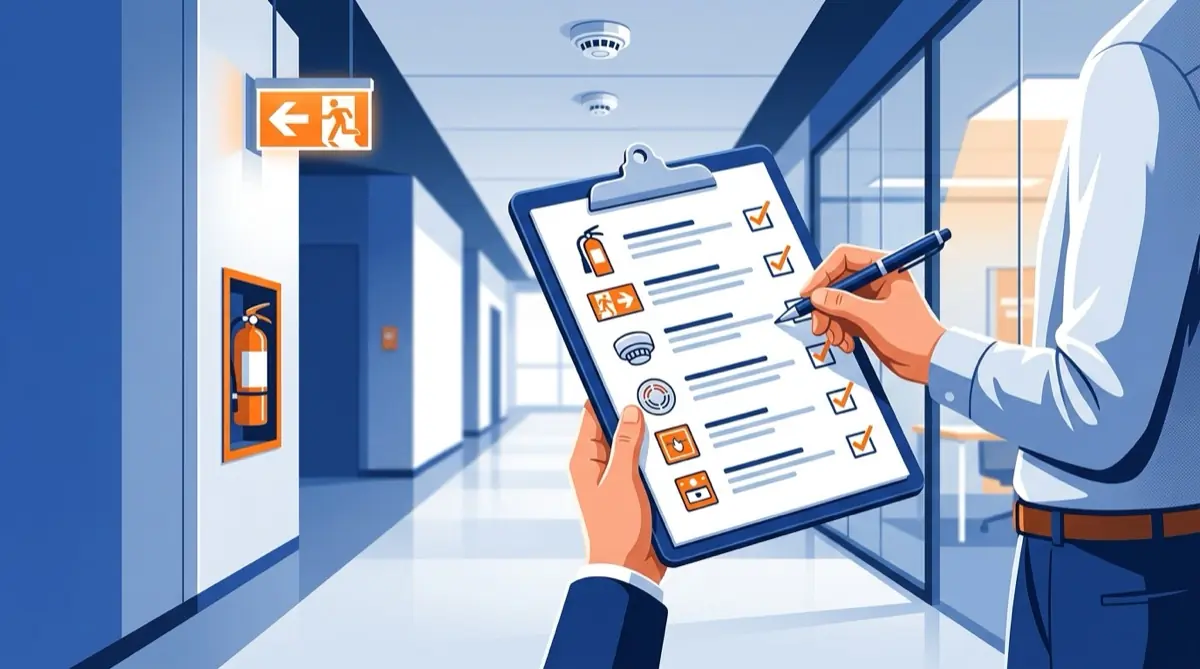
Template-based fire walkthrough, step by step.
The walkthrough follows a template: every checkpoint can be filled, photographed and documented — without paper.
Photo documentation
Site photos attached directly to the checkpoint.
Visual evidence attaches to the point so the record stays auditable and searchable.
Task
Cooling plant filter change
Compliance report
Report in one click, exportable format.
After closing the walkthrough, the compliance report is ready immediately — no Excel or Word follow-up.
12
Open
47
Closed (week)
4.2 h
Avg. close time
Auditability
Every walkthrough logged with timestamp and owner.
For authority checks, the full history is ready in seconds: who, when, what was inspected.
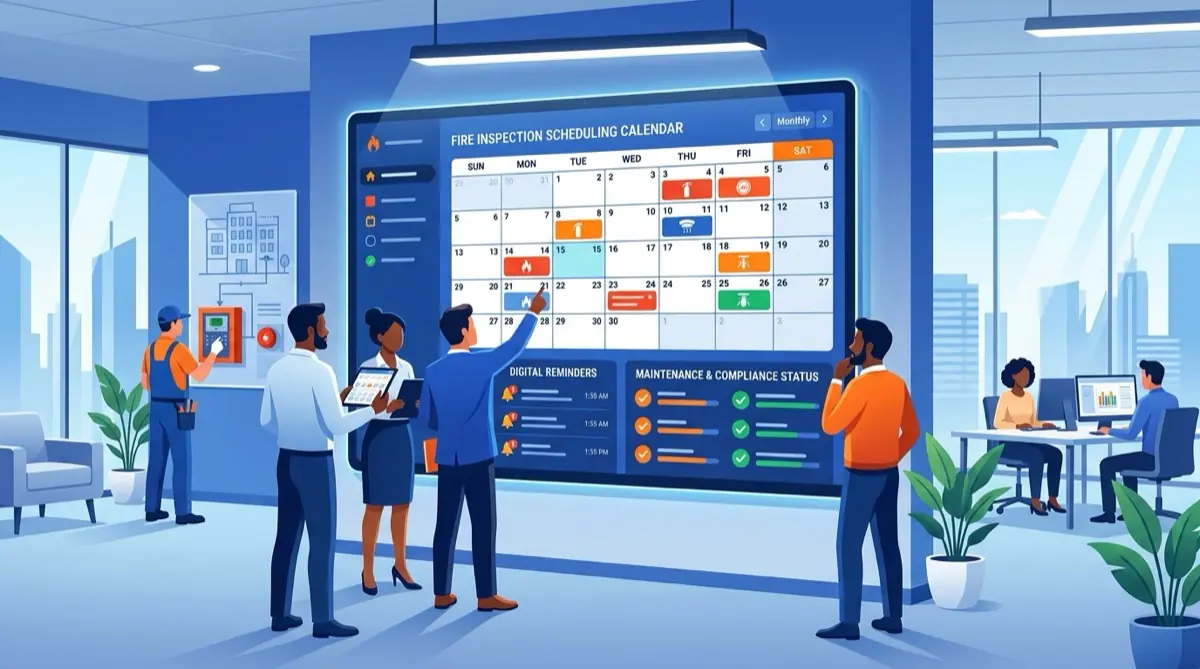
Hi! Could we schedule the annual cooling-system inspection for Friday — does that work?
Thanks! Friday 9:00 is perfect. We’ll upload the report to this channel after the job.
What the compliance module can do
Checklists
Template-based walkthroughs with consistent, error-free completion.
Photo documentation
Site photos attached directly to inspection points.
Automatic reports
Compliance reports in one click, exportable format.
Full auditability
Every walkthrough is searchable with timestamp and owner.
Secure. Searchable. Smart.
Audit-ready log
Every inspection is recorded with a timestamp and owner — documentation is ready for authorities instantly.
Searchable history
Years of inspections, photos and reports stay searchable — nothing is lost in paper folders.
Automatic reports
Compliance reports are one click away, in exportable formats.
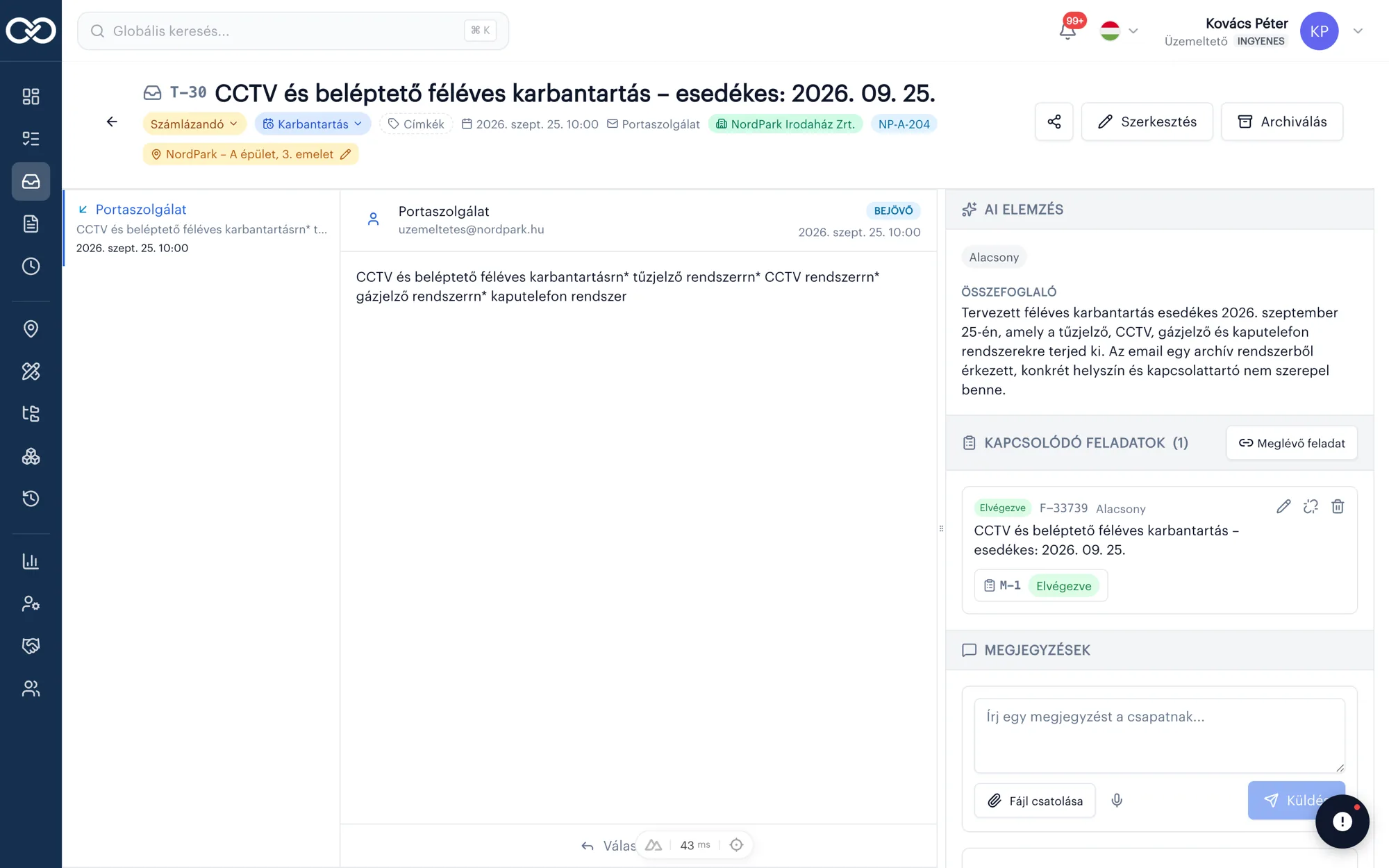
Digital fire safety log and walkthroughs
Automate fire safety walkthroughs and audits. Templates, photo documentation and instant compliance reports — without paper.
- Checklists
- Photo documentation
- Automatic reports
Related articles
Frequently asked questions
Does a digital fire log replace paper?+
Yes. Walkthroughs, checklists and reports are recorded digitally with timestamps and owners, so paper can be replaced and data stays searchable for inspections.
Can photos be attached to inspection points?+
Yes. Site photos attach directly to the point so documentation is visually supported and auditable.
How long does a compliance report take?+
After closing a walkthrough, the compliance report is ready in one click in exportable form — no separate follow-up work.
Can checklists be customized?+
Yes. Templates adapt to building type and internal procedures: fire alarm, extinguishers, escape routes or sprinklers.
Can reports be exported for authorities?+
The compliance report exports to file and includes walkthrough time, responsible person and documented items — suitable for audit prep.