
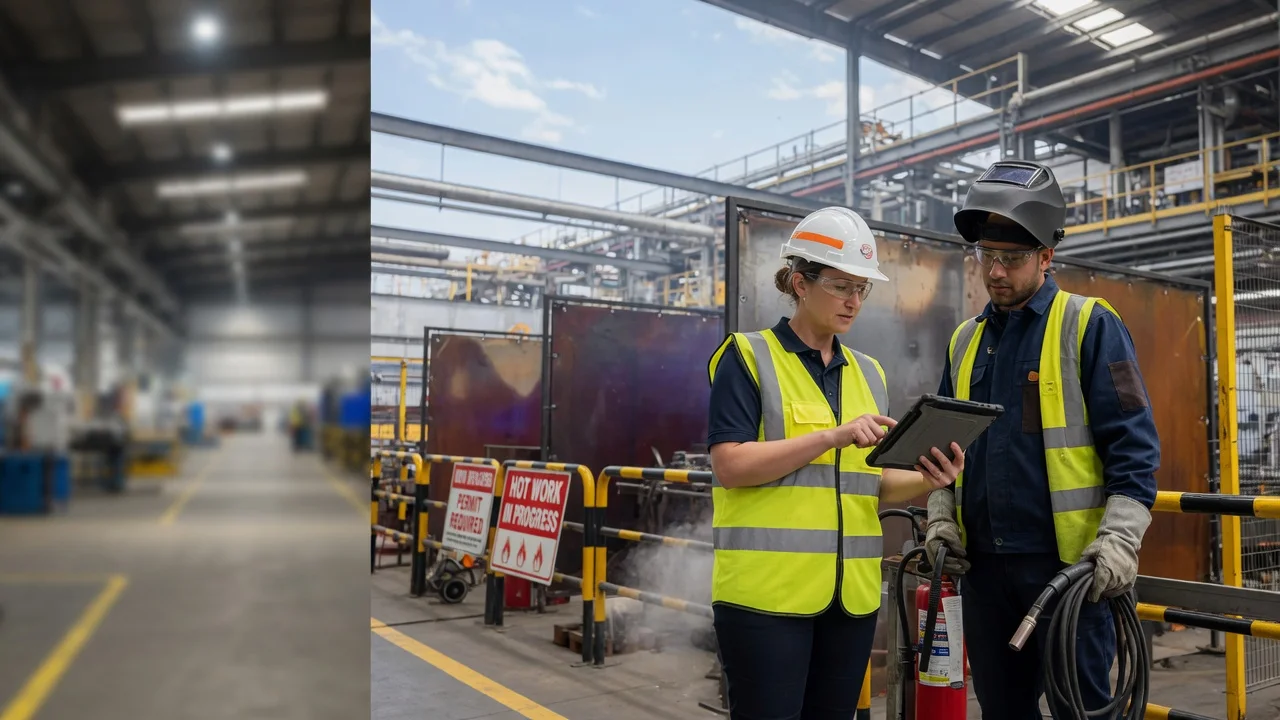
OHS · incidents
Near-misses get recorded too, not just accidents
Site · NordPark Irodaház
✓ Ready for auditAnyone can report from their phone, without logging in, with a photo. The safety officer gets an email at once, the report is closed after an investigation, and everything stays searchable.
What isn't written down can't be fixed
The slippery stairs, the missing railing, the load that almost fell are rarely put on paper – too much hassle. In SafetyPro you scan a QR code, fill in a few fields, and the report is with the safety officer.
Why do near-misses matter?
Serious accidents often have warning signs: the same place, the same fault, a close call before. If nobody reports them, the fix only comes after the accident.
Paper reports get skipped because they take time and it's unclear who to hand them to. When a report takes a minute from a phone, more reports come in, and earlier.
How does a report work?
Your company has its own reporting link, which you put up on site as a QR code; you can generate a new link if needed. The reporter enters their name, the location, the time, the type of event (accident, near-miss or hazardous condition) and its severity, describes what happened, and can attach a photo.
The safety officers get an email immediately. The report is taken into investigation and then closed with a note; only the administrator and the OHS role can change its status. The statistics show by type and severity where it is worth stepping in.
30-minute live demo with your assets and processes — with a tailored proposal.
Request a demoAccident reporting – what the module can do
Report without logging in
Link or QR code, from a phone, with a photo.
You know about it at once
The safety officer gets an email about every report.
Investigation carried through
Reported, under investigation, closed – with a note.
See where it repeats
Statistics by type and severity.
Try it before you commit
14-day trial
Try it with your own team, with no obligation.
In one system with work permits
Reports are where your work permits and trainings are.
Support in your language
Interface, onboarding and support in your language.
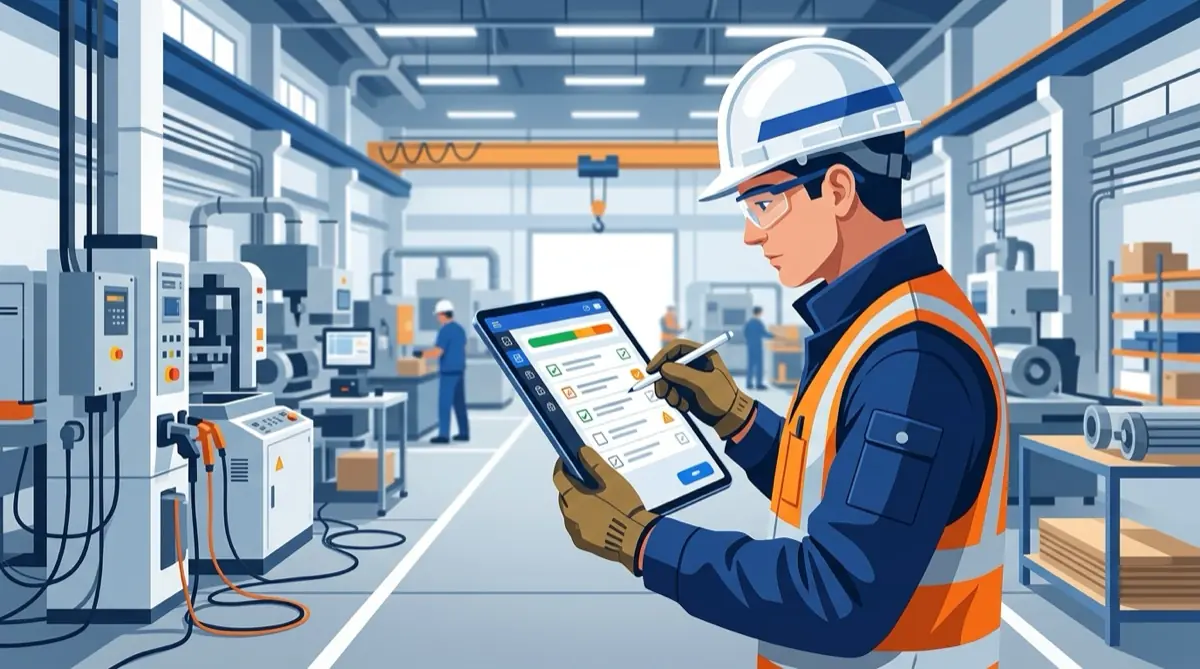
Near-misses get recorded too, not just accidents
Anyone can report from their phone, without logging in, with a photo. The safety officer gets an email at once, the report is closed after an investigation, and everything stays searchable.
- Report without logging in
- You know about it at once
- Investigation carried through
Frequently asked questions
Is an account needed to report?
No. The reporter opens the company's unique link or the posted QR code and fills in the form on their phone. The link can be regenerated at any time if you no longer want to use the old one.
What kinds of events can be reported?
Accidents, near-misses and hazardous conditions, with low, medium or high severity. The type of injury and the people involved can be entered too.
Who gets notified?
Every new report triggers an email to the organisation's users with the OHS role and to its administrators. If the reporter entered their email address, they are also notified when the status changes.
What happens after a report?
The report goes into investigation and is closed with a note at the end. Who investigated, who closed it and when – everything stays traceable.
How much does it cost?
The price depends on how many sites you run, how many people use it and which modules you choose — so every company gets an individual quote. The pricing page shows what each module and plan (Basic, Pro, Enterprise) includes. You get your price within 1 business day of the 20-minute demo.
30-minute live demo with your assets and processes — with a tailored proposal.
Request a demo