

OHS · training
Safety training and exam on one link
Site · NordPark Irodaház
✓ Ready for auditYou upload the material as a PDF, the worker reads it page by page and finishes with a quiz. You see who has completed it, who hasn't, and whose deadline is running out.
Training that leaves a record
A signed attendance sheet proves someone sat in the room, not that they understood. In SafetyPro every training has its material, an exam and a result – retrievable for each worker.
Why isn't paper-based training enough?
Safety training is the employer's obligation (Hungarian Act XCIII of 1993 on occupational safety). On paper that means attendance sheets, printed materials and refresher dates kept in someone's head – for your own staff, and even more for subcontractors' people, who change often.
At an inspection you have to show who received the training and when, and whether they actually understood it. If that is scattered across folders and emails, answering takes hours.
How does a training run?
You upload the material as a PDF, set the exam questions and the pass mark (80% by default). You set whether it is mandatory, by when it must be done and for how many months the completion stays valid, then assign it to your own workers or to a subcontractor.
A subcontractor's worker doesn't need an account: they open the material and fill in the quiz on the same unique link. The system scores it immediately based on the share of correct answers and records the result. If they get stuck, they can ask the built-in assistant about the material.
For your own workers you set which trainings are mandatory for each job role. If a training has a validity period, the system checks it every day and sends a reminder 30 days and then 7 days before expiry, and finally on expiry.
30-minute live demo with your assets and processes — with a tailored proposal.
Request a demoSafety training – what the module can do
The material is your existing PDF
You upload it, the worker reads it page by page.
The quiz scores itself
You set the pass mark, the result is available at once.
For subcontractors too, no account needed
They complete the training and exam on a unique link.
Warns you before it expires
Reminds you 30 and 7 days before a validity period expires.
Try it before you commit
14-day trial
Try it with your own team, with no obligation.
In one system with work permits
The training runs where your work permits and subcontractors are.
Support in your language
Interface, onboarding and support in your language.
Safety training and exam on one link
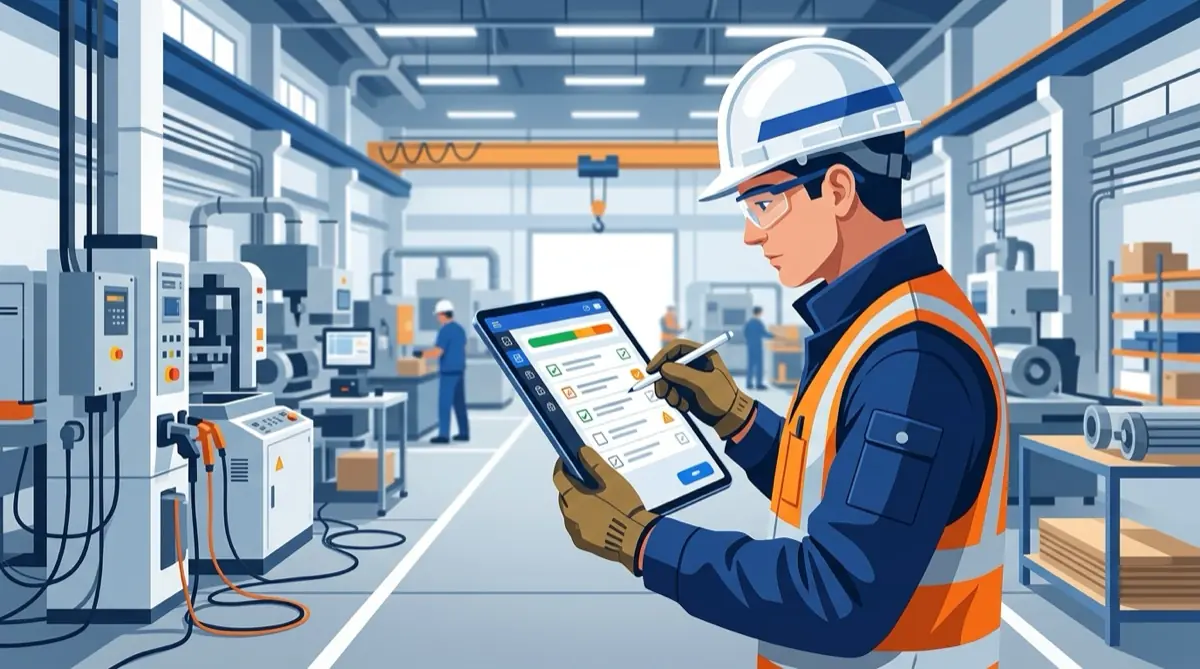
You upload the material as a PDF, the worker reads it page by page and finishes with a quiz. You see who has completed it, who hasn't, and whose deadline is running out.
- The material is your existing PDF
- The quiz scores itself
- For subcontractors too, no account needed
Frequently asked questions
What format can the material be in?
You upload it as a PDF. The worker pages through it and sees the estimated time for the training. You don't have to rewrite your existing training material.
How does the exam work?
You provide the questions and the correct answers. The system scores based on the share of correct answers: whoever reaches the set pass mark (80% by default) has completed the training, whoever doesn't gets a failed result.
Do subcontractors' workers need an account too?
No. They get a unique link, read the material and fill in the quiz there. The subcontractor company can also see its own team's progress.
How do I see who has completed it?
You see the status per training and per worker: not started, in progress, passed or failed. For your own workers, the safety officer gets a summary email about expiring trainings.
How much does it cost?
The price depends on how many sites you run, how many people use it and which modules you choose — so every company gets an individual quote. The pricing page shows what each module and plan (Basic, Pro, Enterprise) includes. You get your price within 1 business day of the 20-minute demo.
30-minute live demo with your assets and processes — with a tailored proposal.
Request a demo