
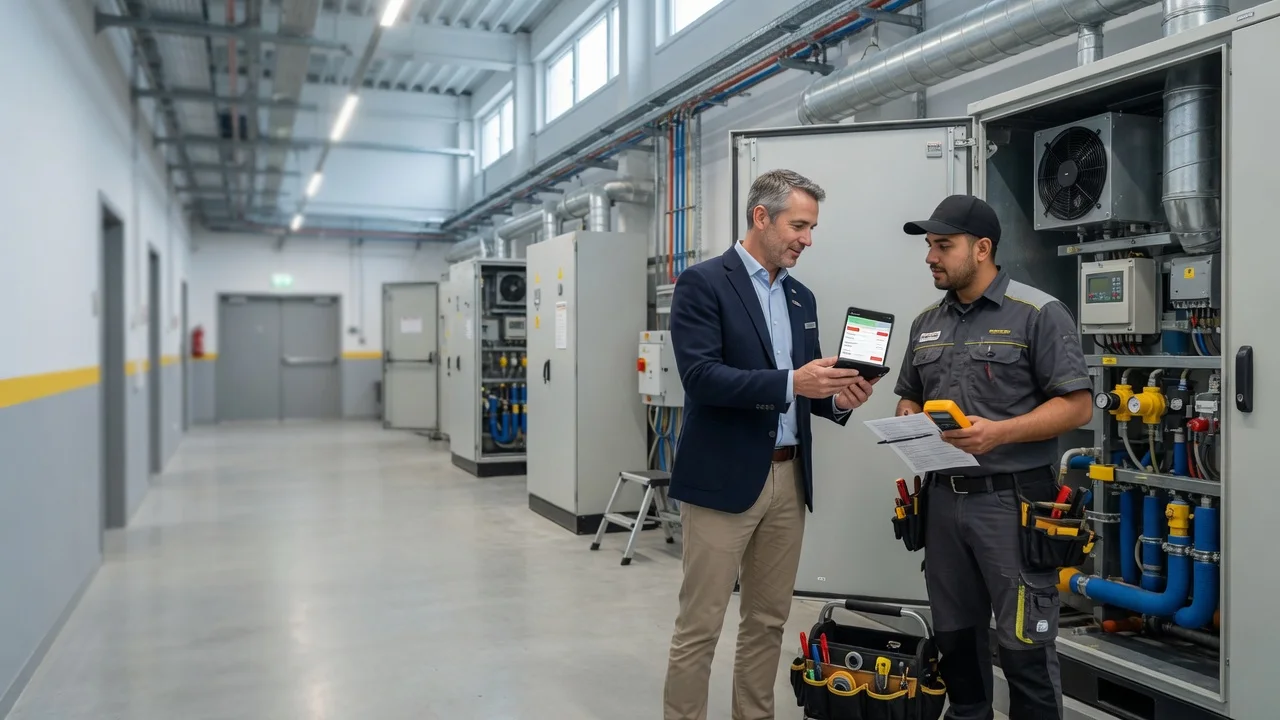
Fault reports for service and FM teams
Client email should not disappear in the inbox
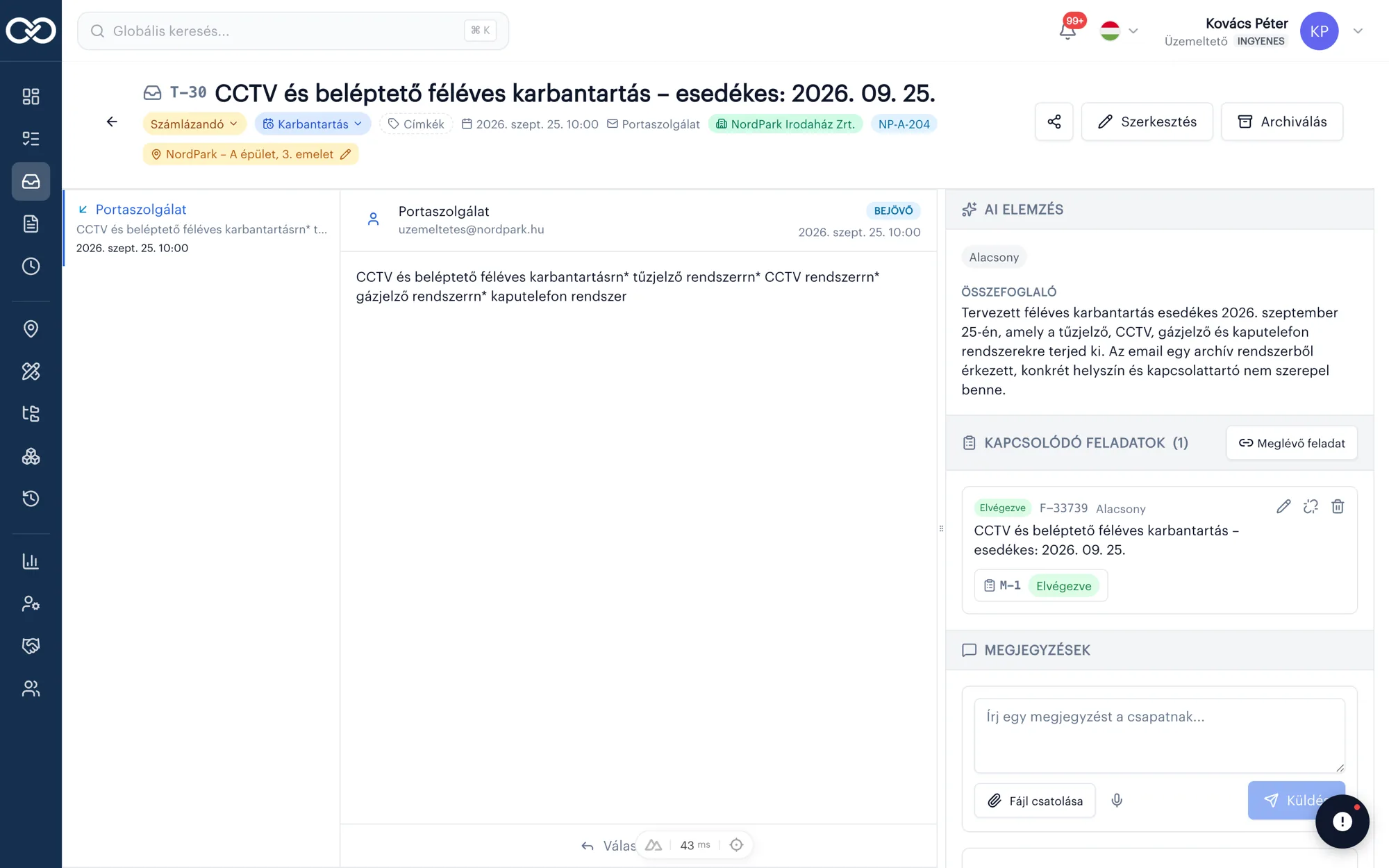
AI suggestion
Urgent
→ Work order
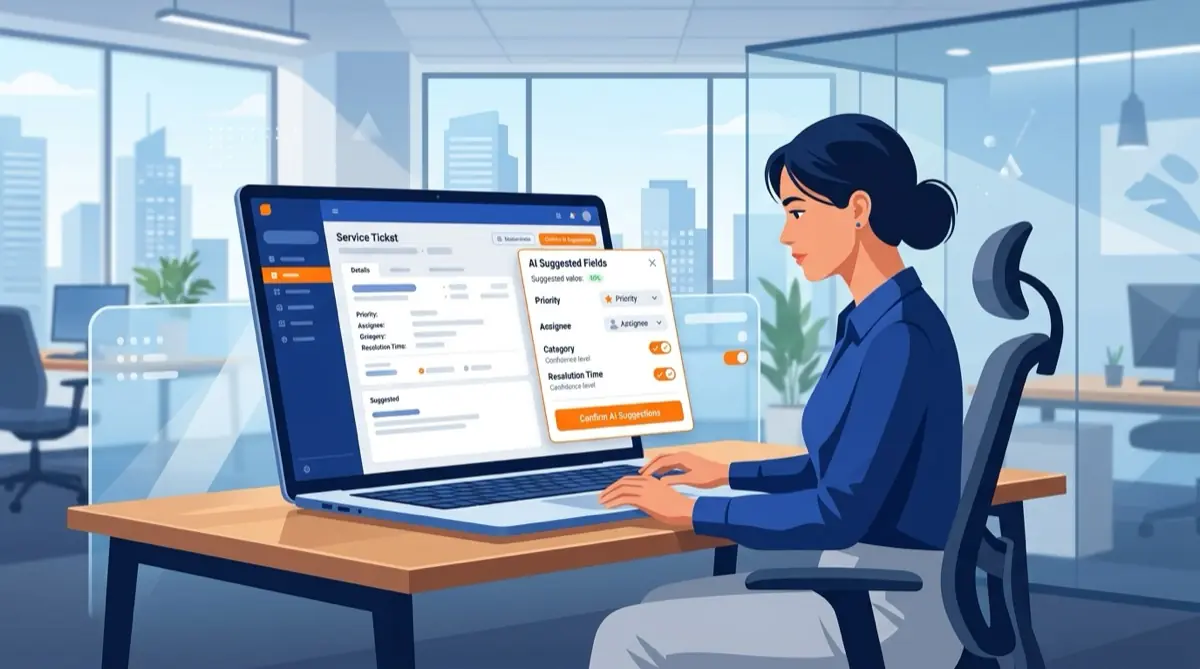
SafetyPro Ticketing turns inbound fault reports into tickets, pre-sorts them with AI (you confirm), then turns them into tasks and work orders in one click — a closed loop from report to billing.
- Email → ticket
- AI triage, human decides
- Task + work order
Not a helpdesk — a service workflow
For maintenance and facility companies a “ticket” is not an IT ticket: client email, site, asset, call-out, work order and invoice.
SafetyPro Ticketing turns inbound fault reports into tickets, pre-sorts them with AI (you confirm), then turns them into tasks and work orders in one click — a closed loop from report to billing.
Not a helpdesk — a service workflow
For maintenance and facility companies a “ticket” is not an IT ticket: client email, site, asset, call-out, work order and invoice.
Nothing gets lost
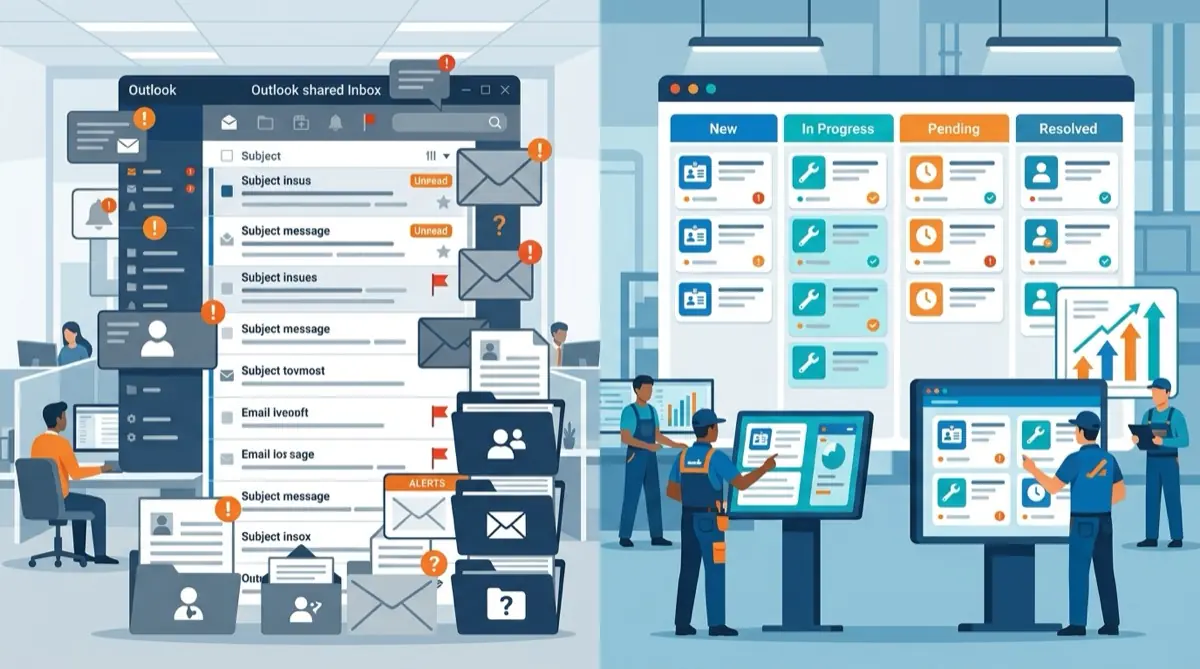
Fault reports that hit the inbox become structured tickets — searchable, statused, not lost in chat.
AI suggests, you decide
Summary, client, site, asset, priority — with reasoning. One click to confirm or reject. No black-box automation.
Closed chain to invoice
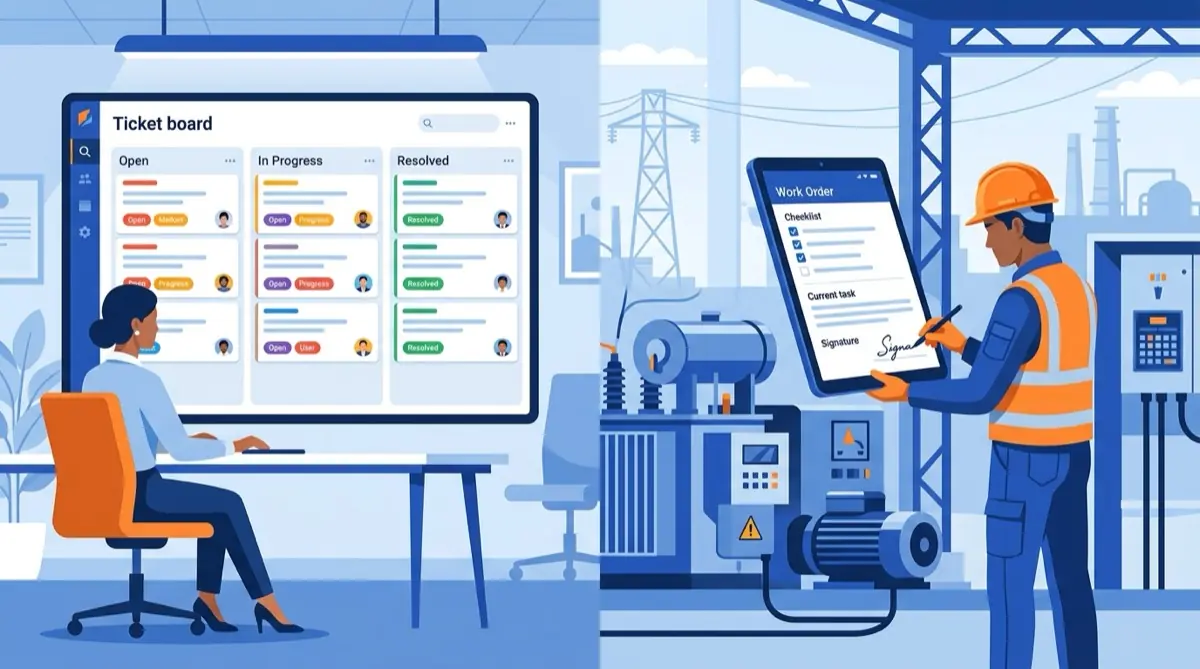
Ticket → task with owners → work order → billable status. Dispatcher and technician see the same chain.
Inbound channel
Client email is the starting point
Connect the service mailbox (Microsoft 365). Inbound mail becomes tickets; replies go from the ticket thread — the full conversation stays in one place, not Outlook folders.
Show me the flowMail → ticket
Subject, sender, body, timestamp — listed immediately.
Thread on the ticket
Reply from the system; the client sees their usual email.
Recipients
Sender + extra contacts for task notifications.
Client / contract
Partner and contract number linked to the ticket.
Human-supervised AI
Site and asset suggested in seconds
Dispatchers should not untangle client and fault location from the email by hand. AI proposes — you confirm. If it is wrong, one click rejects and you fix it manually.
Live demo with AISummary
3rd floor loop fault, urgent call-out
Site
Váci út 45 — office
Asset
Fire panel #12
Priority
Urgent
Call-out and documentation
One click: ticket to task, then work order
The dispatcher assigns owners and a deadline; the technician works the task. Work order linked to the ticket, with billable status — the report does not drop before invoicing.
Ticket
Inbound email, AI confirmed, site set.
Task
Owners, deadline, optional client notice in the thread.
Work order
Work done, materials, signature — marked billable.
What dispatchers use every day
The ticketing module is built on live SafetyPro capabilities — not a generic helpdesk list.
Merge tickets
Several mails about the same fault? Merge: one master ticket, threads together.
Related tickets on site
See what else is open at the same place — fewer wasted call-outs.
Notes and history
Internal notes on the ticket; full change log for audit.
Link an existing task
Not only new tasks: an existing task can attach to the ticket.
Billable statuses
Done, billable, under contract / quote — money stays trackable.
Roles
Technicians see their tasks; the ticket list is for dispatch — field noise stays out.
Fault reports should not live in the inbox and WhatsApp — they should live on a ticket, task and work order through to billing.
How dispatchers work with SafetyPro Ticketing
Request a demoWho is it for?
Service providers and FM — where clients report by email and call-outs must be documented.
Dispatcher / duty desk
Inbound mail, AI triage, owner assignment, email reply in one place — not three windows.
Service / maintenance company
Fire safety, low voltage, mechanical: call or mail becomes task and work order, not an Excel row.
Facility management
Multiple clients, multiple sites — ticket linked to partner and location, with related issues.
Ops leadership
See what is in progress, billable or stuck — inbox size is not the KPI.
Faster triage. Fewer lost reports.
Starts from the inbox
No forcing a new portal on the client — the existing email channel stays.
AI = suggestion, not decision
Human-supervised automation: faster processing, professional control.
One platform with service
Same SafetyPro where the log, assets and work orders already live.
Client email should not
disappear in the inbox
SafetyPro Ticketing turns inbound fault reports into tickets, pre-sorts them with AI (you confirm), then turns them into tasks and work orders in one click — a closed loop from report to billing.
- Demo with your mailbox workflow
- Schedule a free 14-day trial
- Email → ticket → task → work order live
Related articles

Frequently asked questions
What is SafetyPro Ticketing?+
A module for service and FM dispatchers: client email becomes a ticket automatically, AI suggests site/asset/priority (a human confirms), then the ticket becomes a task and work order — one chain from report to billing.
How is it different from a generic helpdesk (Zendesk, Jira Service)?+
Those are optimised for IT and customer support. SafetyPro Ticketing is for maintenance / facility: client, site, asset, task, work order and billable status — in the same system where service works.
How does email come in?+
You connect the organisation mailbox (typically Microsoft 365). Inbound mail syncs and becomes tickets; replies go from the ticket thread, from the org account.
What exactly does the AI do?+
From the mail content it suggests: summary, contact, client, site, asset, priority — with reasoning. The agent confirms or rejects. AI does not close tickets or start call-outs on its own.
Do technicians see tickets too?+
Typical setup: the ticket list is for dispatch; technicians get assigned tasks and work orders. Inbound mail noise does not hit the field team.
Does it connect to other SafetyPro modules?+
Yes. Tickets link to partner, site and asset; tasks and work orders live in the existing maintenance structure — not a separate island helpdesk.
How much does it cost?+
Ticketing has its own Basic / Pro / Enterprise plans on the pricing page. Exact pricing depends on mailboxes and team size — we quote after a demo. Details: /pricing#ticketing.